

Exporting your Contacts, Notes, and Network Updates
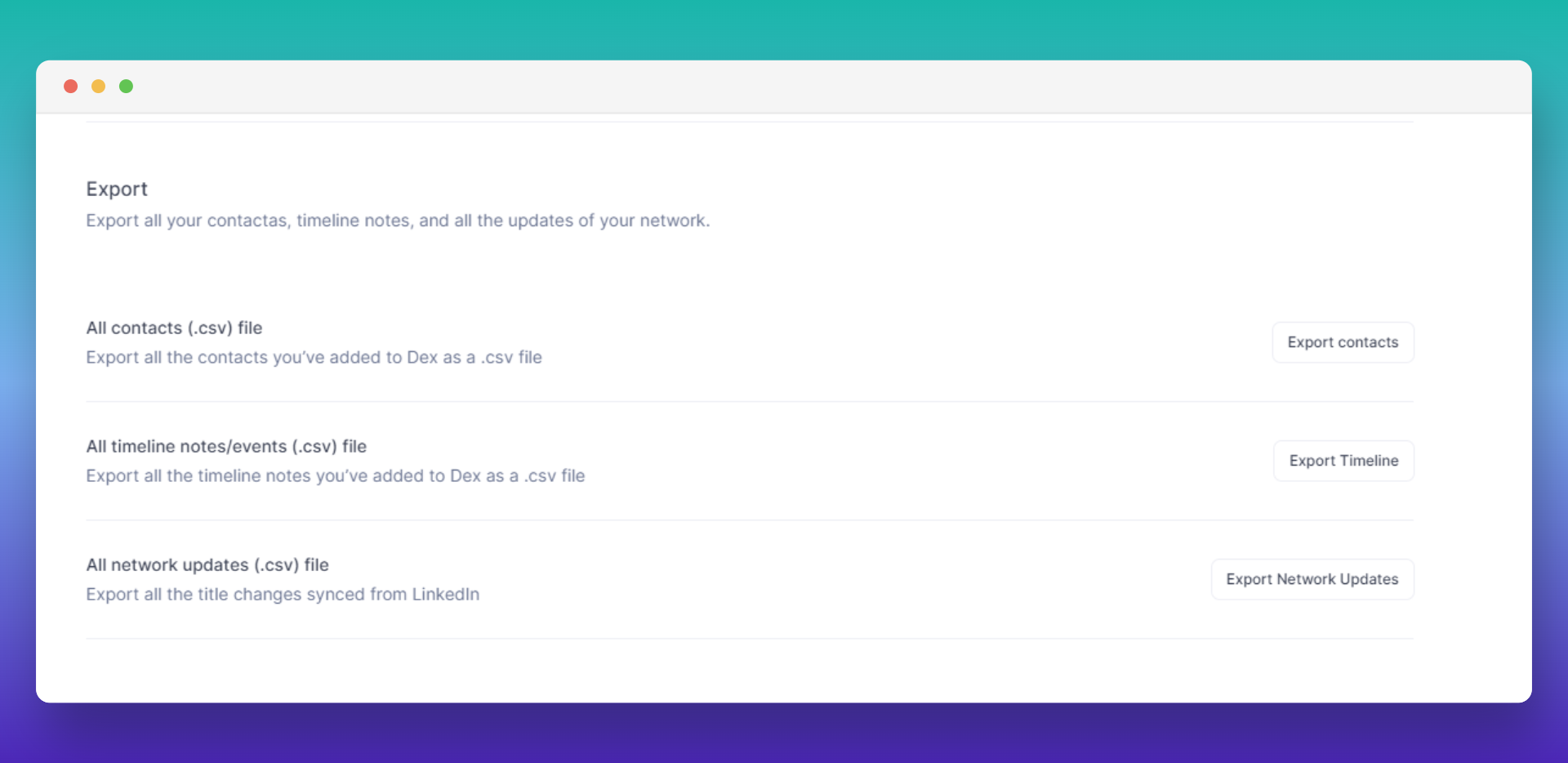
Exporting lives under Settings → Workflow → Sync & Import/Export, on the Export tab. There is no separate Export page in the sidebar.
The tab has three buttons, one per export:
- Export Contacts, for all contacts
- Export Timeline, for all timeline notes and events
- Export Network Updates, for all network updates from LinkedIn Sync
Contacts Export
The contacts export uses machine-readable column headers rather than display names. If you are importing the file somewhere else, expect to rename some columns first: Google Contacts, for example, looks for Email and will not pick up a column called dex_email.
Identity and profile columns:
full_name, first_name, last_name, description, job_title, company, education, image_url, business_card_url, website
Dates and reminders:
birthday, birthday_year, last_seen_at, last_reminder_at, next_reminder_at, frequency, frequency_text
Social profiles:
linkedin, twitter, facebook, instagram, telegram, tiktok, youtube
Per-channel interaction columns, one set per connected source:
linkedin_last_message_at, linkedin_message_link, whatsapp_last_message_at, whatsapp_message_link, imessage_last_message_at, imessage_message_link, instagram_last_message_at, instagram_message_link, gmail_last_interaction_at, gcal_last_interaction_at, phone_call_last_interaction_at
Columns Dex assembles from linked records:
location, dex_address, dex_email, dex_emails, dex_phone, dex_phones, dex_groups, dex_tags, dex_related_contacts
Your own custom fields come next, one column per field, named exactly as you named them. id and user_id are the last two columns.
birthday and birthday_year are two separate columns. Dex writes the birthday as --MM-DD when it has no year on file, so read both columns together rather than expecting one full date.frequency reads Don't keep in touch for a contact you set that way, and is blank for a contact with no cadence at all. Read that column, not frequency_text, which stays blank in both cases because it only mirrors a real interval.Events Export
When you export events, we include:
- Note
- Title (not used currently)
- ContactIds
- Event Type
- Date
- Created Date
- Updated Date
Network Updates Export
When you export network updates, we include:
- Contact ID
- Name
- Linkedin Profile URL
- Created Date
- Title Before and After