

Granola Sync
Key Features
- Meeting summaries become notes. Each summary is filed on everyone who attended.
- Automatic contact creation for participants you don't already have.
- 30-day backfill on the first sync, then Dex keeps up on its own.
- Fresh last-interaction dates, so keep-in-touch reminders stay accurate.
- Timeline control. Filter Granola notes in or out of a contact's timeline.
Overview
The Granola integration connects your AI meeting notepad to your personal CRM. Dex reads the summary of each meeting Granola captured for you, files it as a note on every participant, and creates contacts for the people it doesn't yet know, so the relationship record builds itself while you take notes as usual.
The first sync covers your last 30 days. After that, Dex checks Granola every 4 hours and files anything new. Because the notes are attached to real people, last-interaction dates and keep-in-touch reminders stay current without any manual logging.
Getting Started
Open your Sync & Integrations page
Go to Settings → Sync & Integrations and find Granola in the Contacts list.
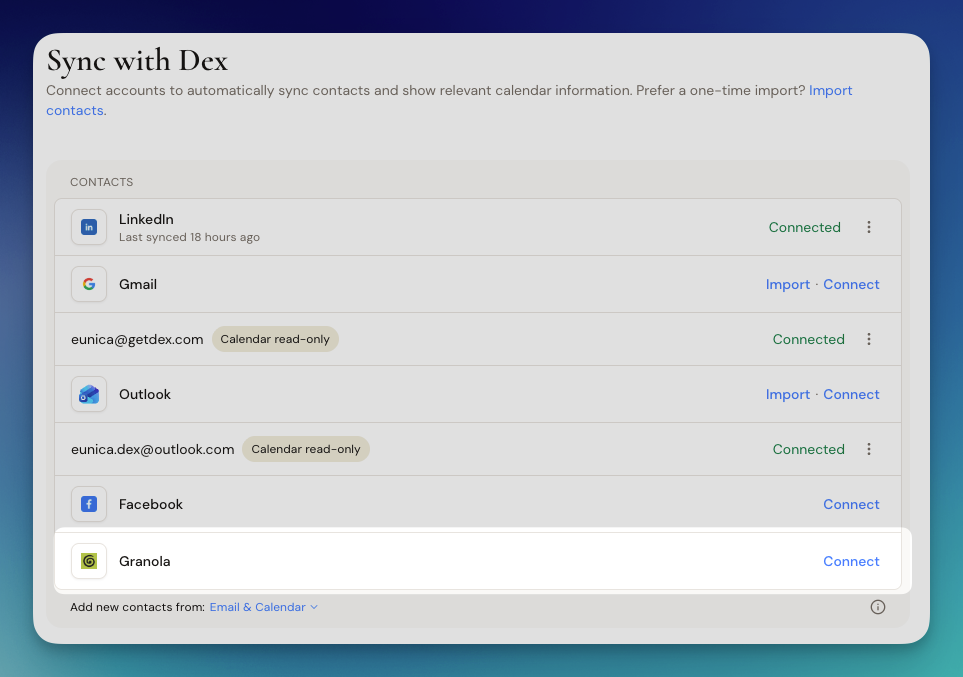
Click Connect
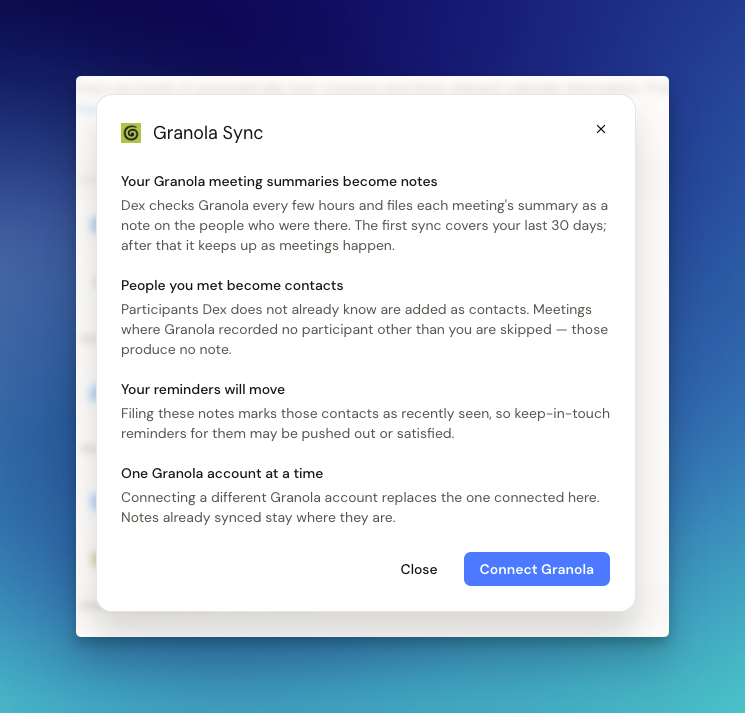
Dex shows you exactly what the sync will do. Review it, then click Connect Granola and sign in to your Granola account.
Wait for the first sync
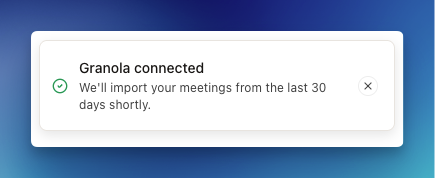
Once connected, Dex starts importing your meetings from the last 30 days. This happens in the background, so you don't need to keep the page open.
What to Expect
Your Granola meeting summaries become notes
Dex checks Granola every 4 hours and files each meeting's summary as a note on the people who were there. The first sync covers your last 30 days; after that it keeps up as meetings happen.
People you met become contacts
Participants Dex doesn't already know are added as contacts. Meetings where Granola recorded no participant other than you are skipped, and those produce no note.
Your reminders will move
Filing these notes marks those contacts as recently seen, so keep-in-touch reminders for them may be pushed out or satisfied.
One Granola account at a time
Connecting a different Granola account replaces the one connected here. Notes already synced stay where they are.