Dex for Executive Assistants
How executive assistants and chiefs of staff can use Dex to organize an executive's network, prepare for meetings and keep important relationships current.

An executive's network is one of the things an assistant quietly manages. You know who needs a call back, which board member just changed roles, and who the boss should see on the next trip to London. Most of that knowledge sits in your head, a shared inbox and a few spreadsheets.
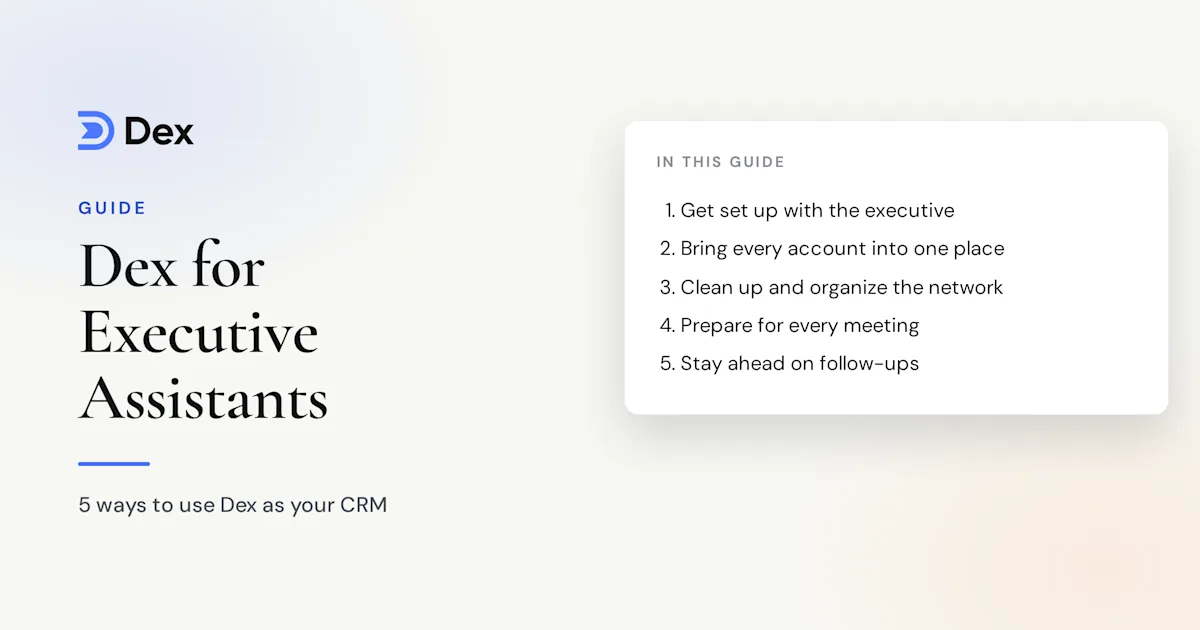
Dex gives that work one system. It keeps a timeline of emails, meetings and notes on each person, and it tells you who's due for attention. This guide covers how executive assistants and chiefs of staff can set up Dex with their executive and use it day to day.
Decide how you'll work together
Set this up with Dex for Teams, which is in early testing. Your executive keeps their own private Dex, and the shared workspace is a separate space added to it. They choose which accounts it sees and which contacts and groups go into it. They can also choose whether the workspace sees only email subjects and metadata or the full content, and whether each note is shared or private. Personal contacts stay out of the workspace unless your executive adds them. You can start from Settings → Team or book a demo.
Before you start, agree on the ground rules. Decide which relationships you own, which ones stay personal to your executive, and what you can send in their name.
Get everything in one place
Connect your executive's accounts first, because the timeline is only as good as what feeds it. These live under Settings → Workflow → Sync & Import/Export:
Gmail and Google Calendar, or Outlook on Professional
LinkedIn sync, set up from the mobile or desktop app, for up to 9,000 connections on Professional or Team
WhatsApp for 1:1 chats and small groups
iMessage and phone calls, through the Mac desktop app
Executives tend to have more than one inbox. Professional and Team sync multiple email accounts. Spreadsheets of important contacts can come in through a CSV import in the web app, with group and tag columns mapped on the way in.
Clean up and organize the network
Once contacts arrive, spend an hour on cleanup. Merge duplicates so each person has one timeline, and fix the details that matter: current title, assistant's name, and preferred way to reach them.
Groups are the backbone of the system. Good groups for an executive are:
Board and investors
Executive team
Top customers
Industry peers
Press and analysts
Personal: friends and family, if your executive wants these included
Tags hold detail that cuts across groups, such as city, conference or sector. Saved views stack conditions, so "Board and investors, no interaction in 60 days" becomes a list that stays current by itself. Favorite the view and it stays in the sidebar.
Custom fields suit the details assistants track: spouse's name, dietary needs, assistant's email, preferred airline. You can filter on them and find them later.
Prepare your executive for every meeting
The pre-meeting brief is an email sent about 10 minutes before a meeting. It lists attendees, recent email subjects, past meetings and Dex notes. It needs a connected Google account and works for meetings of up to four people. It's in beta, so check it against your own prep for a while.
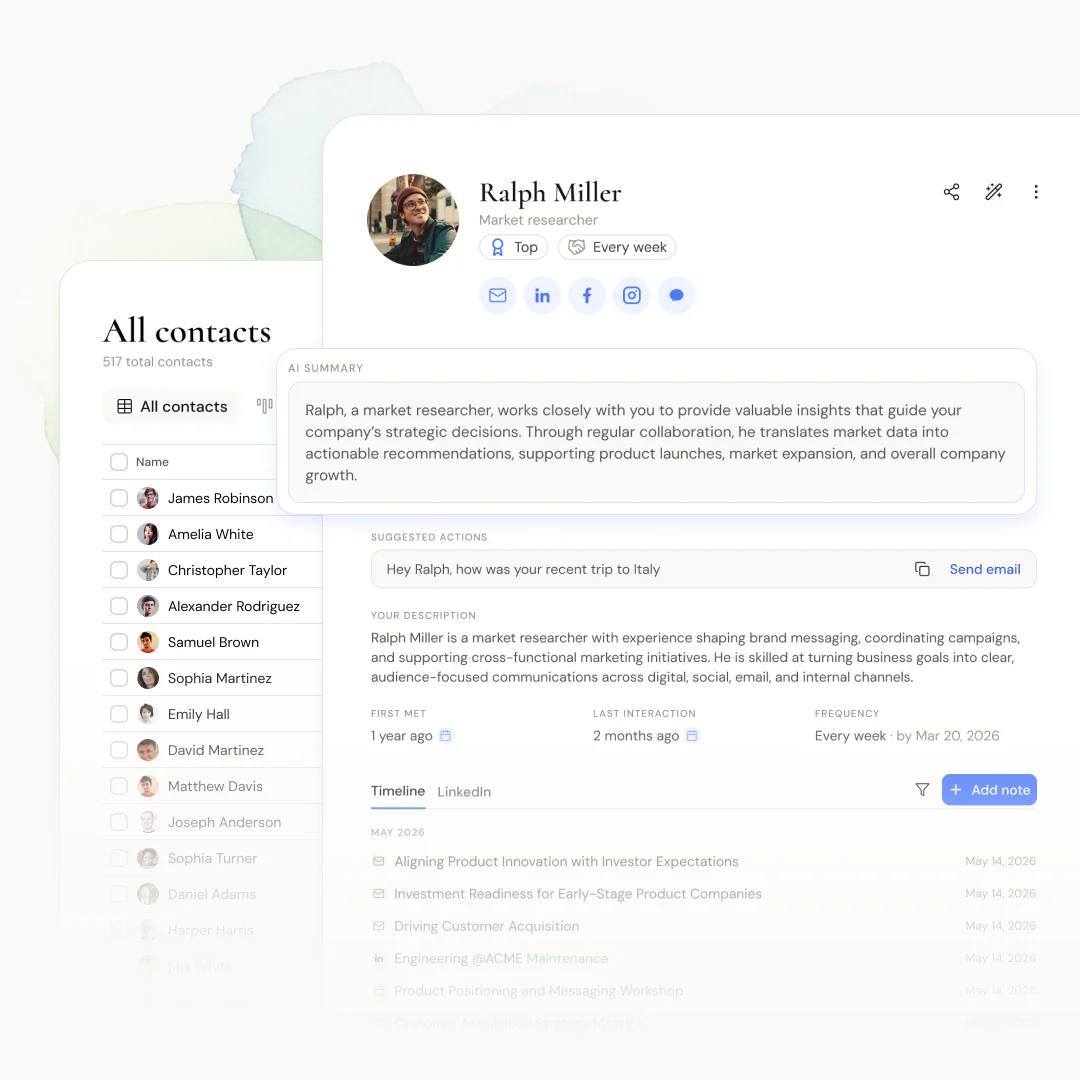
For a longer lead time, build your own brief. Open the contact and read the timeline, or ask Copilot to "summarize our history with Daniel." Dex Research can also build a briefing on someone new, covering background and current role. Professional includes 20 credits a month and Team includes 50.
Be proactive with outreach
Your Home page shows today's calendar, birthdays, reminders, keep-in-touch contacts and network updates. Use it as a daily briefing for your executive. A morning note might read: "Priya's birthday is today. Jordan was promoted to CFO. You're overdue with Marcus."
With LinkedIn connected, Dex flags new employers, promotions and new roles on Home. Those are good reasons to draft a congratulations for your executive to approve.
Keep-in-touch frequencies run the rhythm:
Board and investors: every month
Top customers: every month
Industry peers: every 3 months
Wider network: every 6 months
Set these with your executive once, then review them each quarter. Setting a frequency for a whole group doesn't change anyone in it who already has one. For dated commitments, like "send the book to Elena after the conference", use reminders.
Plan travel around people
The map view, available on Premium and above, shows contacts by location. Before a trip, open the city and see who's nearby. You can also ask Copilot, "Who do we know in Singapore?" and "Who in Singapore haven't we talked to in a year?" That gives you a list for a dinner or a morning of coffees, and you've done it before the flight is booked.
Take good notes
Set a standard and stick to it. After each meeting, ask your executive for two lines: what happened and what's next. Add those to the contact. If your executive uses Granola, Professional can file each meeting summary on everyone who attended, which saves you from retyping.
Personal details are worth capturing too: a child starting college, a recent move, a favorite wine. Notes are searchable, so "who's a golfer?" has an answer before the next event.
Send at scale, in their voice
Mail Merge on Professional and above takes up to 200 contacts per campaign. You write one message, Dex builds a personalized version for each person, you review them, and it sends from a connected Gmail or Outlook account. Holiday notes, event invitations and company news all fit. Agree with your executive on who approves the final version.
Copilot can draft a note in seconds, but it doesn't send anything. Someone still reviews and sends the message.
A daily routine
Check Home in the morning and send your executive the short briefing.
Review tomorrow's calendar and read each attendee's timeline.
Add notes from today's meetings.
Draft any notes due, and queue them for approval.
Frequently asked questions
Does my executive need to change how they work?
No. Sync does most of the work. Your executive keeps using email, calendar and messaging as usual, and Dex builds the timeline from those.
Can personal contacts stay private?
On Dex for Teams, yes. Each person's own Dex stays private, and only the accounts, contacts and groups they choose go into the workspace.
Which plan do we need?
Dex for Teams, at $40 per user per month. It includes the shared workspace, 50 research credits a month, CRM integrations and SAML SSO, and it's currently in early testing.
Can Dex connect to our AI assistant?
Yes. Through the Dex MCP server, assistants like Claude and ChatGPT can search the network and help with duplicates and tags.
Get started
An executive's relationships are easier to look after with one shared system. Connect their accounts, clean up the data, group the people who matter, and set a cadence together. Start with the board and the top 20 customers, then widen from there.
Get started with Dex on a 6-day free trial, or book a Dex for Teams demo. A card is required to start the trial, and you won't be charged until it ends.
Related guides