Dex for Founders: Stay Close to Investors, Advisors and Customers
How to run investor, customer, hire and advisor relationships in Dex, from your first import to a weekly routine you can keep during a fundraise.

A founder's network grows faster than anyone's memory. In a single quarter you might talk to 40 investors, a dozen customers, three candidates for one role and the angel who keeps offering intros. Most of that history ends up split between Gmail, LinkedIn, WhatsApp and your own head.
This guide shows how to put Dex to work on that problem. It covers setup, the groups worth creating, cadences for each type of relationship, and a weekly routine that takes about 20 minutes. It works whether you're trying Dex for the first time or you've had an account for a while and never got past the import.
Get everything in one place
Start with the accounts where your relationships already live. Each one adds a different kind of history.
Connect Google under Settings → Workflow → Sync & Import/Export. Gmail and Google Calendar show who you've emailed and met, and when. Outlook users need the Professional plan.
Connect LinkedIn sync from the Dex mobile or desktop app. The web app and browser extension can't set it up. Premium syncs up to 2,500 connections and Professional up to 9,000.
Connect WhatsApp if that's where your investor or customer conversations happen.
On a Mac, install the desktop app to sync iMessage and phone calls.
If you're keeping an investor list in a spreadsheet or Notion, export it as a CSV and import it from the web app. Group and tag columns can hold more than one value, so a fundraise tracker can come across with its categories intact.
Once a messaging app is connected, Conversation Memory starts adding a short note to each contact's timeline every night, based on that day's chats. It only works forward from the day it's on, so connecting early gives you more history later.
Organize the people who matter
Groups are your main structure in Dex. Tags add detail on top. A founder's setup can stay small:
Investors, with one group for current investors and one for the people you're talking to in this round
Customers and design partners
Candidates you'd hire when the role opens
Advisors and other founders
Press and partners
Use tags for the details that cut across groups, such as "seed", "fintech" or "met at YC demo day". Then use saved views for the lists you open every week. A view can stack conditions, so "in Current round, tagged lead, no interaction in the last 14 days" becomes a list that updates itself. Favorite the view and it stays in your sidebar.
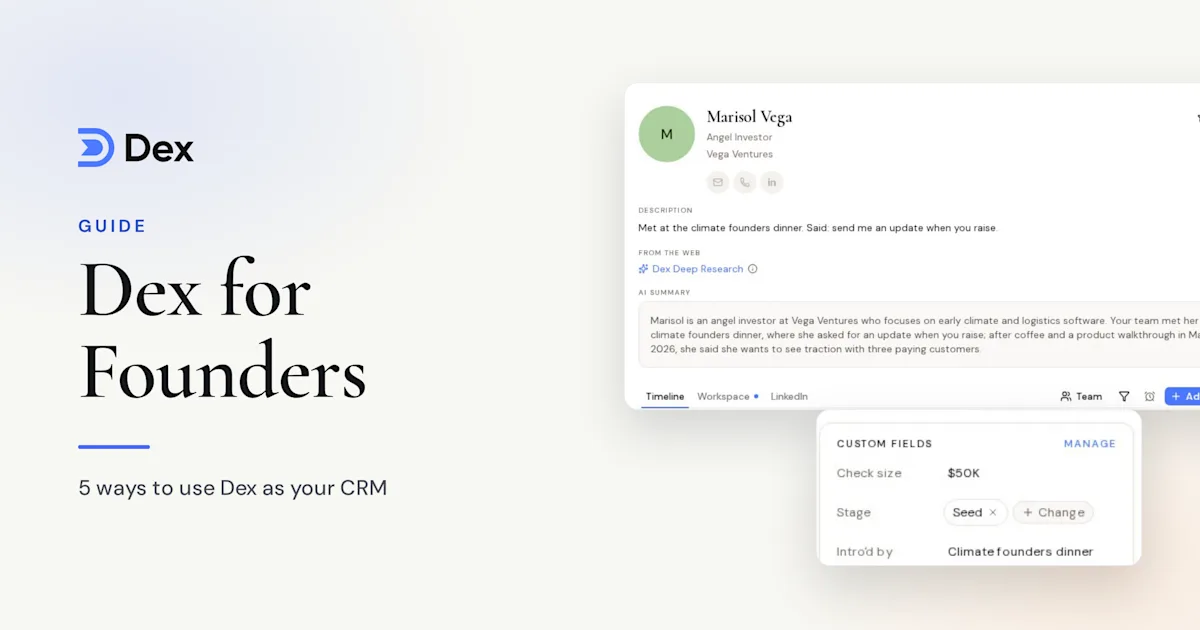
Custom fields help during a raise. Add fields for check size, stage or last ask, and you can filter on them like any other contact detail.
Set a cadence for each type of relationship
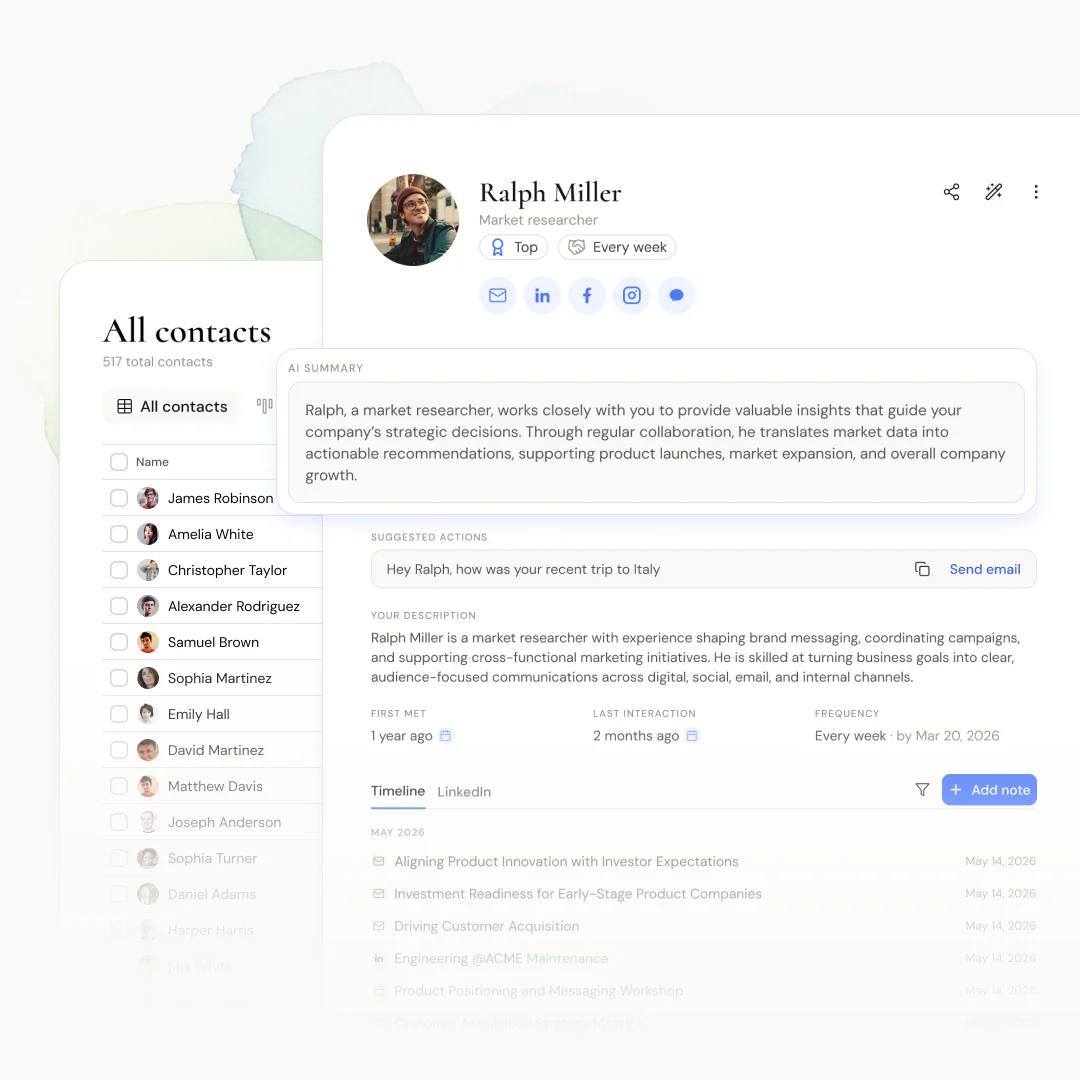
Keep-in-touch frequencies are how Dex tells you who's due. The next reminder is the last interaction date plus the frequency, so a call or email pushes it back without any work from you.
These starting points suit most early-stage companies:
Current investors: every month, usually your investor update plus a personal note
Advisors: every 3 months
Top customers and design partners: every month
Candidates you'd hire later: every 3 months
Investors who passed: every 6 months, with a real update when something changes
To set a whole group, open it, click Select all, then Frequency, and pick a rhythm. People who already have a frequency keep it. Dex sends no more than five keep-in-touch notifications a day, so setting up a large group at once won't flood your inbox.
For one-off follow-ups, use a reminder instead. "Send the deck to Priya on Tuesday" is a reminder. "Stay close to Priya" is a keep-in-touch frequency.
Use Copilot to find people and draft the note
Dex Copilot sits at the top of Home. Ask it things your contact list can't answer on its own:
"Which investors haven't I talked to since the seed round?"
"Summarize my history with Daniel."
"Draft an intro between Maya and our design partner at Northwind."
Copilot can also add people to groups, update a contact and set reminders. It drafts but never sends, so you edit the message and send it yourself.
For investor updates, Mail Merge on the Professional plan sends a personalized version to up to 200 contacts from your own Gmail or Outlook. You review each one before it goes out, which matters when the list includes people who wrote you a check.
Walk into meetings already caught up
With Google connected, Dex emails a pre-meeting brief about 10 minutes before small meetings of up to four people. It lists attendees, recent email subjects, past meetings and your notes. The feature is in beta, and it gets more useful as you add notes after calls.
For a first meeting with someone you know little about, run Dex Research on the contact to build a briefing on their background. Premium includes 10 research credits a month and Professional includes 20.
If you record calls with Granola, Professional can file each meeting summary on everyone who attended.
A 20-minute weekly routine
Pick a slot on Friday or Sunday, then work through these in order:
Open Home and clear the keep-in-touch contacts that are due. Send a line or snooze them on purpose.
Open your current-round view and check who's gone quiet.
Look at title changes. Dex flags new employers, promotions and new roles on Home. An operator who just joined a portfolio company is often a warm lead.
Add notes from the week's calls while you still remember them. On mobile, Add with voice dictates a note and cleans it up.
The daily digest arrives at 8:30am with the day's birthdays, events and reminders, so most days you won't need to open Dex at all.
When your team joins
Dex for Teams is in early testing. Each person keeps a private Dex and adds chosen contacts and accounts to a shared workspace. Searching a person or company then shows which teammates know them and when they last talked, which helps once a head of sales or a cofounder starts working the same accounts. You can read more on the Dex for Teams page.
Frequently asked questions
Is Dex a replacement for my sales CRM?
No. Keep your pipeline and deal stages in a sales CRM. Dex holds the people around the company, like investors, advisors, candidates and early customers, and works well next to one.
Which plan should a founder choose?
Premium, at $12 a month billed annually, covers sync, reminders, keep-in-touch and custom fields. Choose Professional, at $20 a month billed annually, for Mail Merge, multiple email accounts, Outlook, Granola or more than 2,500 LinkedIn connections.
Can Dex track fundraising conversations?
Yes. Put the round in a group, add custom fields for check size and stage, and save a view of the people you haven't spoken to recently. For more on structuring a raise, read our guide to building an investor pipeline.
Will my cofounder see my personal contacts?
Not unless you add them. On Dex for Teams, your personal Dex stays private, and you choose which contacts and accounts go into the workspace.
Get started
A founder's setup comes down to four things: connect your accounts, group the people who matter, set a cadence for each group, and clear what's due once a week. Start with your current investors and your five best customers, and add the rest as you go.
Get started with Dex with a 6-day free trial, or see how founders use it on the Dex for founders page. A card is required to start the trial, and you won't be charged until it ends.