Real Estate CRM Notion Template vs a Real CRM: Which Should You Use?
A Notion real estate CRM template works well for a new agent with under 100 contacts who'll update it by hand. It breaks down when you need "last contacted" to update itself from your texts, calls and email, or yearly reminders on hundreds of close dates. Many agents keep Notion for listings and documents and use a CRM for people.

Notion is where a lot of agents build their first CRM. You buy a template for somewhere between nothing and $149, duplicate it, and suddenly you have a buyer board, a seller board and a contacts database that looks better than anything your brokerage gave you.
For a while, it's great. Then you hit a few hundred contacts, miss a past client's anniversary because nobody updated the "last contacted" column, and realize the template looks like a CRM but doesn't act like one.
This guide is for agents deciding between the two. It covers what Notion templates do well, where they break for sphere work, the formulas you'll need if you stay, and when it makes sense to move. If you're comparing Notion to Dex for personal networking more generally, see our Notion vs Dex comparison.
Fast facts:
Notion real estate CRM templates range from free to about $149 on Gumroad and Notion's template gallery.
Notion's Plus plan is $10 per member per month billed annually. The Free plan is enough for a solo agent.
Notion doesn't sync your texts or calls, so "last contacted" only changes when you type it.
Notion Forms works well as a digital open house sign-in sheet that feeds straight into your database.
Manual updates get hard to keep up once you're tracking more than a hundred or so people.
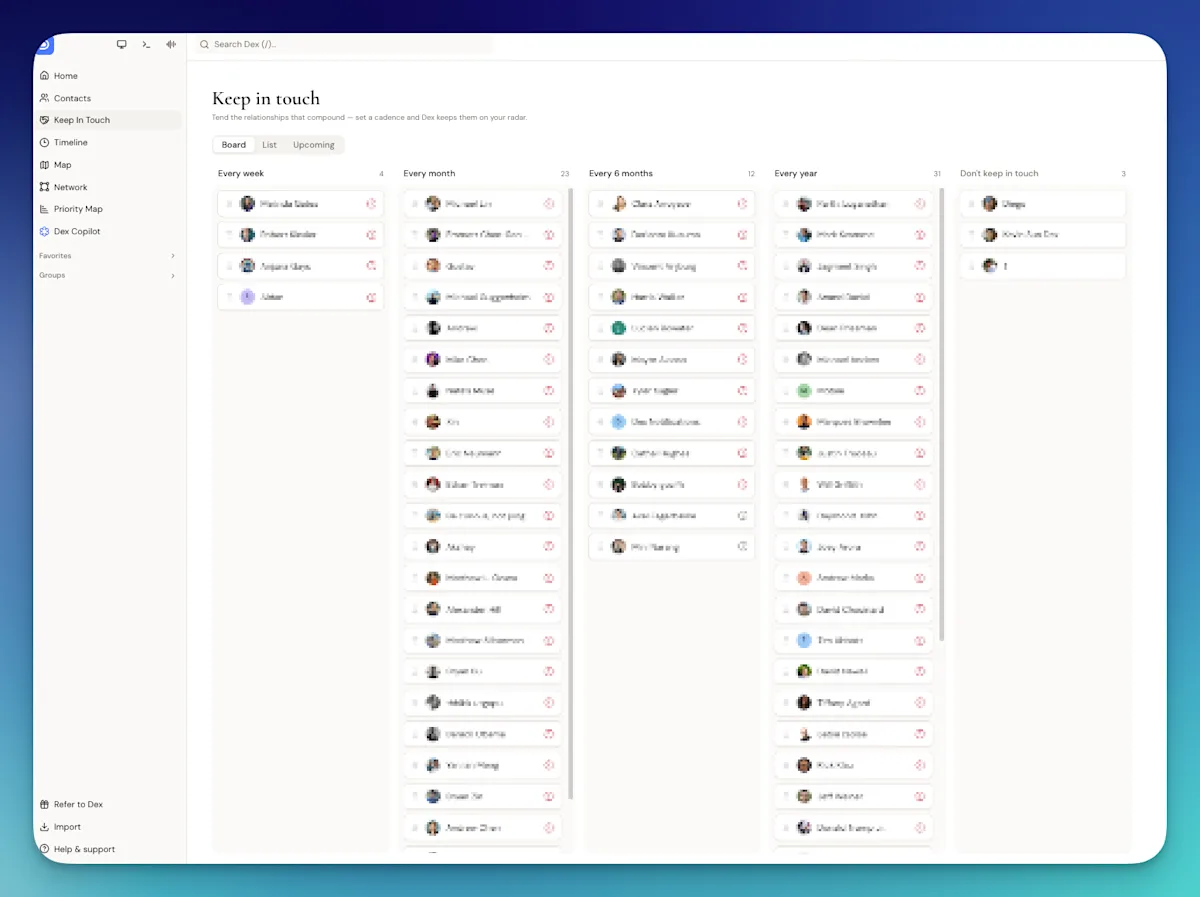
Image: A keep-in-touch board in Dex, which updates as you text, call and email
What a Notion template does well
Notion gets a lot right, and agents who love it aren't wrong.
Strength | Why it matters for agents |
|---|---|
Cheap | A solo agent can run on the Free plan. Templates are a one-time purchase. |
Flexible | Add any field you want: close date, school district, dog's name. Change it all next week. |
Boards for active deals | A buyer board with columns for touring, offer, under contract and closed is genuinely useful. |
Documents next to people | Listing checklists, scripts and market notes live in the same workspace as your contacts. |
Notion Forms | A form on an iPad at an open house drops each visitor straight into your contacts database. |
It looks good | Not trivial. People use tools they like opening. |
If you're a new agent with a small sphere and you'll update things by hand, a Notion template is a perfectly reasonable place to start.
Where it breaks for sphere work
The problems show up when the job shifts from tracking deals to keeping hundreds of relationships warm for years.
What you need | Notion template | A CRM built for relationships |
|---|---|---|
"Last contacted" that stays accurate | Only if you type a date after every text, call and email | Updates from synced email, calendar, texts and calls |
A daily list of who's due | A filtered view based on the manual date, so it's only as good as your typing | Built from real contact history and a frequency per person or group |
Yearly home anniversaries | Needs a formula to roll the close date forward each year | A yearly reminder on the date |
Birthdays | Same formula problem | Usually built in |
Importing your phone and Gmail | CSV import, then manual cleanup | Direct sync with your phone, Google or Outlook |
Merging duplicates | Manual | Duplicate detection on email, phone and name |
Capturing a note after a showing | Possible in the Notion app, a few taps deep | Usually one tap to the contact |
Conversation history | Whatever you paste in | Emails and messages attached to the contact automatically |
The first row is the one that matters. Everything else in a sphere system depends on knowing when you last talked to someone. In Notion, that date is a field you fill in. Miss a few weeks of updates during a busy closing month and the "overdue" view is wrong, and you stop trusting it. Once you stop trusting it, you stop opening it.
If you stay in Notion: the two formulas you need
If Notion is working for you, these two formulas fix the biggest gaps. They use Notion's current formula syntax. Add them as formula properties in your contacts database.
Days since you last talked. This needs a date property called "Last contacted":
dateBetween(now(), prop("Last contacted"), "days")
Filter a view to show anyone where this is greater than your target (say 90 for past clients), sort it descending, and that's your call list.
Next home anniversary. This needs a date property called "Close date". It rolls the close date forward to this year, and to next year if this year's has already passed:
let(a, dateAdd(prop("Close date"), year(now()) - year(prop("Close date")), "years"), if(a < today(), dateAdd(a, 1, "years"), a))
Sort by this property and filter to the next 14 days, and you'll see upcoming anniversaries. The same formula works for birthdays with a "Birthday" property.
Two habits make or break this setup. Update "Last contacted" the moment you hang up, every time. And check the overdue view at the same time every day. If either habit slips, the system quietly stops working.
When Notion is enough and when it isn't
Notion is probably enough if | You've likely outgrown it if |
|---|---|
You have fewer than 100 people you actively keep in touch with | You have several hundred past clients and sphere contacts |
You genuinely enjoy updating it by hand | "Last contacted" is weeks out of date for most people |
Most of your work is tracking active deals | Most of your business comes from repeat clients and referrals |
You already live in Notion for everything else | You've missed anniversaries or birthdays you meant to send |
You're happy to build and maintain formulas | You want to open one list each morning and trust it |
The middle row on the right is the real test. If your "overdue" view is wrong, it doesn't matter how nice the template looks.
The hybrid setup
You don't have to give up Notion. Plenty of agents split the work:
Keep in Notion | Move to a CRM |
|---|---|
Listing checklists and launch plans | Every person in your sphere |
Active deal boards | Last-contacted dates and keep-in-touch reminders |
Scripts, market notes, vendor lists | Close dates, birthdays and anniversaries |
Open house forms (export the sign-ins weekly) | Notes from conversations and who referred whom |
Notion is very good at documents and projects. A relationship CRM is good at people over time. Using each for what it's good at is simpler than forcing either to do both.
Moving your contacts out of Notion
If you decide to move, Notion makes it easy to leave. Open your contacts database, choose Export, and pick CSV. You'll get one row per contact with every property as a column.
Before importing anywhere, clean the file: one row per person, separate first and last name columns if you can, and dates in a consistent format. Our guide to organizing your real estate contacts walks through the cleanup, including merging the duplicates that pile up in any hand-built database.
How Dex compares to a Notion template
Full disclosure: Dex is our product. It's a personal CRM, which puts it on the right-hand side of the tables above. Here's specifically how it handles the gaps.
Dex syncs your Google or Outlook email and calendar, and on the Mac desktop app your iMessages and phone calls, so "last contacted" updates on its own. Set a keep-in-touch frequency on a group and the daily list builds itself. Close dates get a yearly reminder, no formula needed.
It keeps some of what people like about Notion: custom fields, sheet and board views, and groups you can arrange however you want. You can import the CSV you exported from Notion, and running an import again updates contacts instead of duplicating them.

Image: A past-client record in Dex, with notes and history attached to the person
What Dex won't do that Notion will: it isn't a document tool or a project manager, and it doesn't have deal boards with transaction stages. That's why the hybrid setup above works. Dex costs $12 a month billed annually on Premium, which is more than a Notion template. For the full picture, here's how Dex fits a sphere-first business.
Who this isn't for
If you're on a team with a required CRM, this decision is made for you, at least for team business. A personal tool for your own sphere is still worth considering.
And if your business is mostly active buyers from online inquiries, you probably need a transaction-focused CRM that routes new inquiries more than either Notion or a relationship tool.
FAQ
Can you use Notion as a real estate CRM?
Yes. Many agents do, especially early on. A template gives you contacts, deal boards and task lists. It works best for small spheres where you'll update contact dates by hand.
Is there a free Notion real estate CRM template?
Yes. Some templates in Notion's gallery are free, and paid ones on Gumroad range up to about $149. Notion's Free plan is enough for a solo agent to run one.
What are the downsides of using Notion as a CRM?
Notion doesn't sync your texts, calls or email, so "last contacted" only changes when you type it. Yearly reminders for anniversaries and birthdays need formulas, and there's no automatic duplicate merging.
How do I track home anniversaries in Notion?
Add a "Close date" property and a formula that rolls it forward to the next occurrence, then sort and filter by the formula. The formula is in the "two formulas you need" section above.
When should a realtor switch from Notion to a real CRM?
When "last contacted" is out of date for most people, when you've missed anniversaries you meant to send, or when your sphere grows past a couple hundred people you actively keep in touch with.
Can I keep using Notion alongside a CRM?
Yes. A common setup keeps listing checklists, deal boards and documents in Notion and moves people, contact history and reminders into a CRM.
The bottom line
A Notion template is a good first CRM and a great home for documents and deal boards. It stops working for sphere management when keeping it accurate depends on you typing a date after every conversation. If your "who's overdue" view is wrong more often than right, it's time to move the people into a tool that updates itself and keep Notion for the rest.
If you want to see what that looks like, start a 6-day Dex trial.
Related guides