
How to Organize Your Real Estate Contacts (Phone, Gmail, Sheets)
To organize your real estate contacts, export everything into one place (phone, Gmail, old CRM, spreadsheets), merge duplicates, archive people you'd never call, then sort the rest into A, B and C lists with a close date and one personal detail on every past client.



Ask most agents how many people are in their sphere and you'll get a shrug and a number that's off by a thousand.
That's because the database isn't in one place. Some of it lives in your iPhone. Some is in Gmail, including people you emailed once and never saved. There's a spreadsheet from your first year, an export from a brokerage CRM you stopped using, and a stack of open house sign-in sheets in the car. Nobody can work a sphere spread across six places.
This walkthrough gets it into one list, cleaned up and tiered, so you know who to call this week. Plan on a weekend for a database of a few thousand names, and less if you're newer. If you want to know what to do with the list once it's clean, our guide to building and maintaining your sphere of influence picks up from there.
Fast facts:
Your contacts are probably split across your phone, email, a spreadsheet and some kind of CRM.
Gmail quietly saves everyone you've emailed under "Other contacts." It's often the biggest pile you've never looked at.
iPhone's duplicate finder only catches contacts with identical names. "Mike Torres" and "Michael Torres" slip through.
Google Contacts' "Merge & fix" can't merge contacts stored in two different Google accounts.
A simple A/B/C split covers most agents. Roughly a tenth of your sphere should be on your A list.
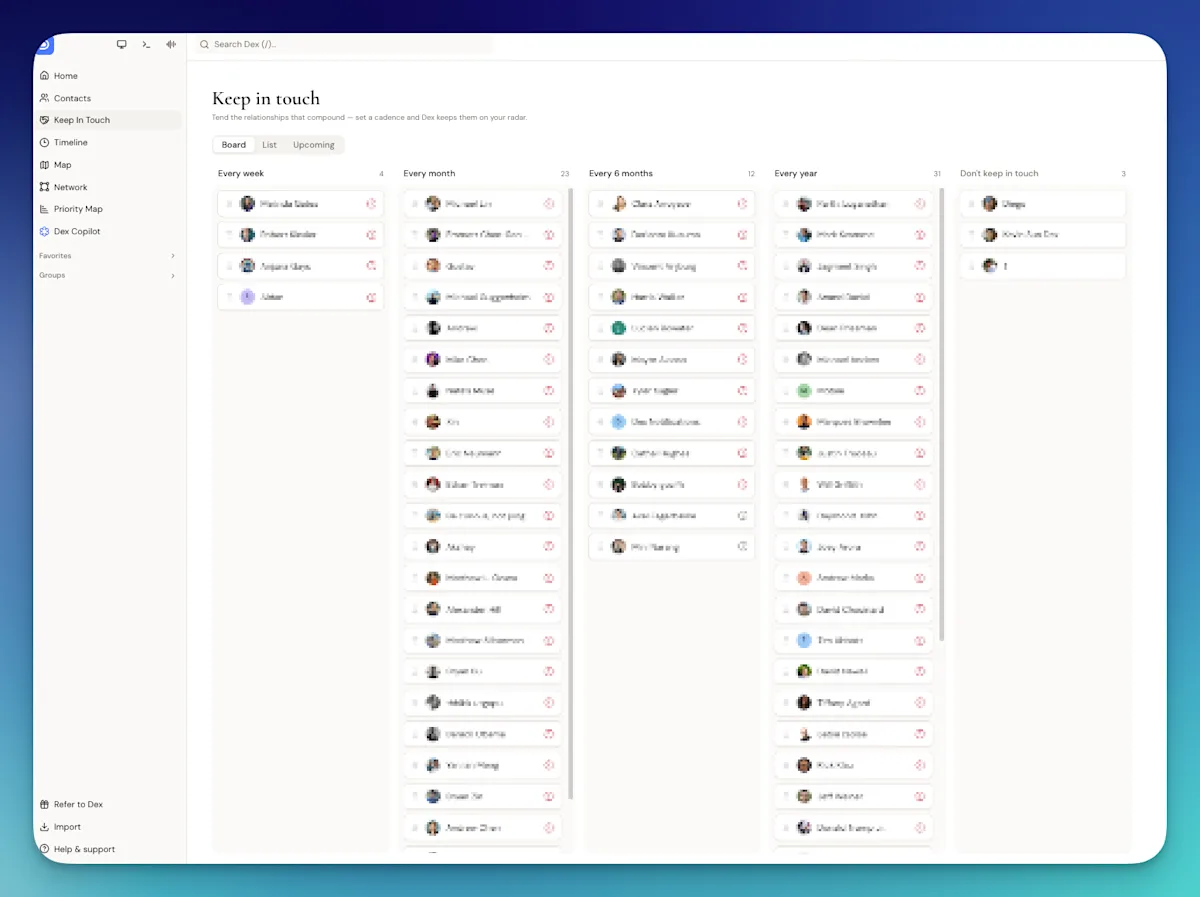
Image: A sphere sorted into columns on a board view in Dex
Step 1: Find every place your contacts live
Before you clean anything, make a list of the sources. Here's where agents' contacts usually hide and how to get them out.
Source | What's usually in it | How to get it out |
|---|---|---|
iPhone (iCloud) | Clients, friends, family, vendors, everyone who's ever called you | On iCloud.com, open Contacts, select all, and export as vCard. Or connect the phone directly to the tool you're moving to. |
Google Contacts | People you saved from Gmail or an Android phone | contacts.google.com, then Export, then Google CSV |
Gmail "Other contacts" | Everyone you've emailed but never saved: lenders, inspectors, clients from years ago | In Google Contacts, open "Other contacts" in the left menu. Select the people worth keeping and add them to contacts first. |
A second Gmail or Outlook account | Your old brokerage email, a personal account | Export each one separately |
Brokerage or team CRM | Past transactions, close dates, portal inquiries | Look for a CSV export in settings. If you can't find it, ask your admin now, not after you leave. |
Spreadsheets | Your first-year sphere list, mailing lists, holiday card lists | Save as CSV |
Paper (open house sheets, business cards) | Neighbors, buyers who weren't ready, vendors | Scan the cards with a phone app, type the sheets in once, then recycle them |
Facebook and LinkedIn | People who know what you do but never got saved anywhere | Leave these for last. Pull in only the people you'd actually reach out to. |
The brokerage CRM row matters more than it looks. If your past transactions only exist in software your brokerage pays for, you may lose them when you switch firms. Get a copy of your data while you still have access, even if you have no plans to leave.
Step 2: Pick one home and bring everything in
Choose where your database will live from now on. It can be Google Contacts, a spreadsheet or a CRM, but it has to be one place. The rest become sources you import from once and then stop using.
Whatever you choose should sync with your phone, because that's where new numbers get added during the day. Without a sync you'll be copying numbers by hand forever.
Before you start merging, put every CSV and vCard export in one folder and leave it alone. If a merge goes wrong, you can go back.
Step 3: Merge duplicates
Once everything is in one place, you'll have duplicates. A lot of them. The same client saved as "Jen Park," "Jennifer Park" and "Jen (Maple St buyer)."
Each tool has its own merge feature and its own blind spot:
Tool | Where to find it | What it misses |
|---|---|---|
iPhone Contacts | "Duplicates Found" under your own card at the top of the list. Tap View Duplicates, then Merge All or one at a time. | Only matches identical names. Won't catch nicknames, middle initials or a contact saved in both iCloud and Gmail. |
Google Contacts | Menu, then "Merge & fix." Merge one at a time or Merge all. | Can't merge contacts stored in two different Google accounts. |
Google Sheets or Excel | Sort by email, then by phone. Duplicates end up next to each other. | Only finds exact matches, so clean up phone formats first. (555) 123-4567 and 555.123.4567 won't match. |
A CRM | Usually a duplicates or merge screen | Varies. Check whether merging can be undone before you click "merge all." |
Run the automatic merge first, then scan by last name for the near-misses. Nicknames are the big one: Bob and Robert, Liz and Elizabeth, Mike and Michael. Couples are the other. Decide now whether a married couple is one record or two. One record per person is usually better, linked to each other, because they don't always text you from the same phone.
Step 4: Archive the people you'd never call
Agents skip this step because it feels like throwing business away, but it isn't. A database with 4,000 names where 2,500 are noise means you'll never work it.
Archive, don't delete. You want them out of your daily view, not gone forever. Good candidates:
Vendors you've stopped using and agents you met once at a class
Wrong numbers, numbers with no name, and "Pizza place"
Portal inquiries from years ago who never replied
People you couldn't place if they called you tomorrow
A useful test: if this person called you right now, would you know who they are? If not, and there's nothing in the record to tell you, archive them.
Step 5: Sort your sphere into A, B and C lists
Now tier what's left. Don't overthink it. You should be able to tier each contact in a few seconds.
Tier | Who belongs here | Rough share of your sphere | How often to reach out |
|---|---|---|---|
A list | Past clients who've referred you or clearly would, close friends who send business, your best referral partners | About 10% | Monthly, plus their personal dates and a pop-by or two a year |
B list | Past clients you're on good terms with, friends and neighbors who know what you do | About 30% | Every two to three months, plus close anniversaries and birthdays |
C list | Acquaintances, people from open houses, old colleagues | The rest | A few times a year, mostly by email |
Some agents add a D tier for people they're unsure about. If you're unsure, put them on C. A tier is a guess about the next year, not a permanent label, so move people up when they send a referral and down when they stop replying.
For how many touches each tier should get and when, see our 33 Touch plan, updated with tiers.
Step 6: Add the few fields that matter
A name and number is a contact. A name, number and close date is a past client you can actually stay in touch with. Here's what's worth adding, and what isn't.
Field | Why it matters | Who needs it |
|---|---|---|
Relationship type (past client, sphere, referral partner, agent, vendor) | Lets you filter for the right people when you send something | Everyone |
Tier (A, B, C) | Tells you how often to reach out | Everyone |
Close date | Sets up the anniversary text every year | Past clients |
Property address | Lets you send sales on their street, and map your past clients | Past clients |
Referral source | Shows you who sends you business | Anyone who came from a referral |
One personal detail (kids, pets, a hobby, something from the deal) | Makes your next message sound like you know them | A and B lists |
Skip fields you won't keep up. "Last contacted" typed by hand will be wrong within a month. "Lead score" doesn't mean much for someone you sold a house to in 2019. If a field needs updating every week, you need a tool that updates it for you, or you don't need the field.
Step 7: Keep it clean
Cleaning your database once is a weekend. Keeping it clean is about ten minutes a week.
Pick a time, like Friday afternoon, and do three things: add anyone new from the week (open houses, showings, new vendors), tag them with a type and tier, and archive anything that's obviously junk. Agents who do this never face a 4,000-contact cleanup again.
The other habit is writing things down when you hear them. When a client mentions their daughter is starting college, put it on their record that day. You won't remember it in six months.
Doing this in Dex
Full disclosure: Dex is our product. It's a personal CRM, and here's how the steps above work in it.
Steps 1 and 2: Dex pulls contacts from your phone, Google, Outlook, LinkedIn and CSV files, so your old brokerage export and your first-year spreadsheet go in the same place. Running an import again updates existing contacts instead of duplicating them. The card scanner handles the business card pile.
Step 3: Merge & Fix matches on name, every email address, every phone number and social profiles, so it catches the "Jen" and "Jennifer" who share a phone number. A conservative auto-merge runs daily. One caution: Dex says merging isn't reversible, so review the manual suggestions before you accept them all.
Steps 4 to 6: archive the noise, put your tiers in groups (A list, B list, C list), and add custom fields for close date and referral source. A board view gives you a column per tier, and you can drag people between them.
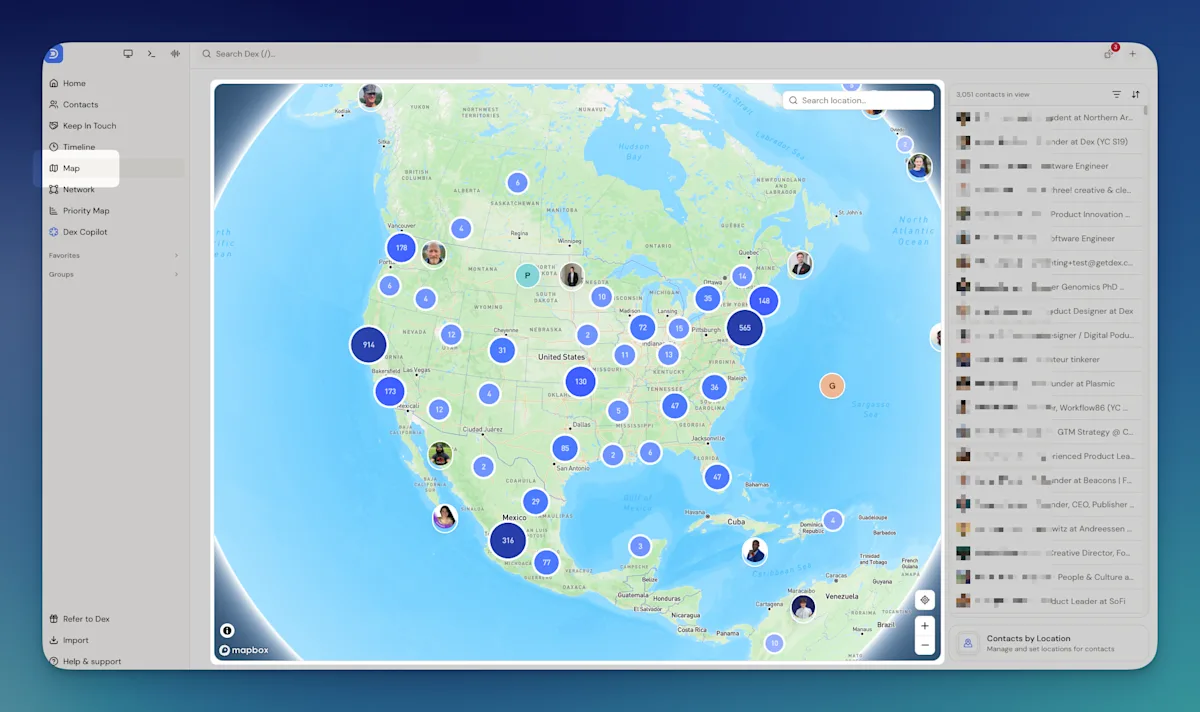
Image: Past clients on the Dex map view, which uses the addresses on their records
Step 7 takes care of itself more than you'd expect. Emails and calendar events sync on their own, and texts and calls come in through the Mac desktop app (iMessage and phone call sync), so "last contacted" stays accurate without typing. Then set a keep-in-touch frequency per group (30 days for your A list, 90 for B) and Dex shows you who's due.
What Dex won't do: tier your sphere for you or decide who to archive. That part is judgment, and it's yours. More on how Dex fits a referral-based business is on our page for real estate agents.
Who this isn't for
If you're on a team that requires everyone to use one shared CRM, your organizing happens there. You may still want a private copy of your personal sphere, since that's the part that follows you if you leave.
And if you're a brand-new agent with 200 contacts, skip most of this. Export your phone into a spreadsheet, add a tier column and a "what they do" column, and start calling. Come back to this guide when the spreadsheet gets painful.
FAQ
What is the best way to organize real estate contacts?
Get everything into one place first: phone, Gmail, any old CRM and your spreadsheets. Then merge duplicates, archive people you'd never call, and sort the rest into A, B and C lists. Add a close date and one personal detail to every past client.
How do I merge duplicate contacts on my iPhone?
Open Contacts and look for "Duplicates Found" under your own card at the top. Tap View Duplicates, then Merge All or merge them one at a time. It only finds contacts with identical names, so check nicknames by hand.
What is an A, B, C list in real estate?
A way of tiering your sphere by how likely people are to send you business. Your A list is the top 10% or so (people who've referred you or clearly would), B is past clients and warm sphere, and C is everyone else you'd still want to hear from you.
Should I delete old contacts from my database?
Archive them instead. Archiving takes them out of your daily view without losing them. Delete only true junk like wrong numbers and duplicates.
How do I export my contacts from my brokerage CRM?
Most CRMs have a CSV export in settings or an admin menu. If you can't find it, ask your admin or the vendor's support. Do it while you still have access, not after you've switched brokerages.
How many contacts should a real estate agent have in their database?
There's no right number. A few hundred people you actually know is worth more than thousands you can't place. What matters is that your A and B lists are small enough to work every month or two.
The bottom line
Your database is the most valuable thing in your business, and for most agents it's scattered across six places. Spend a weekend getting it into one list, merging the duplicates and sorting your sphere into tiers. Then spend ten minutes a week keeping it that way.
If you want one place that pulls it all together, start a 6-day Dex trial.
Related guides