Dex vs Google Contacts: The Best Google Contacts Alternative in 2026
Google Contacts stores names. A personal CRM manages relationships. Here's how Dex compares as a Google Contacts alternative for real networking.


Google Contacts was designed to store phone numbers and sync them across devices. It does that perfectly. What it doesn't do is remember that a conversation happened, notice that someone changed jobs, or flag when a relationship is going cold.
This post compares Google Contacts and Dex across features, pricing, and use cases to help figure out when free is actually enough and when a Google Contacts alternative earns the $12/month. Full disclosure: we built Dex, so there's a bias. This post tries to be honest about where Google Contacts is the right choice, too, because sometimes it is.
What Google Contacts is good at
Google Contacts is a free contact storage tool that ships with every Google account. It runs on Android natively, has an iOS app, and syncs across any device signed into Google. The product stores names, phone numbers, email addresses, physical addresses, birthdays, and basic notes. It deduplicates contacts reasonably well. It integrates with Gmail (email senders get auto-saved as contacts) and Google Calendar (meeting attendees appear in the contact list).
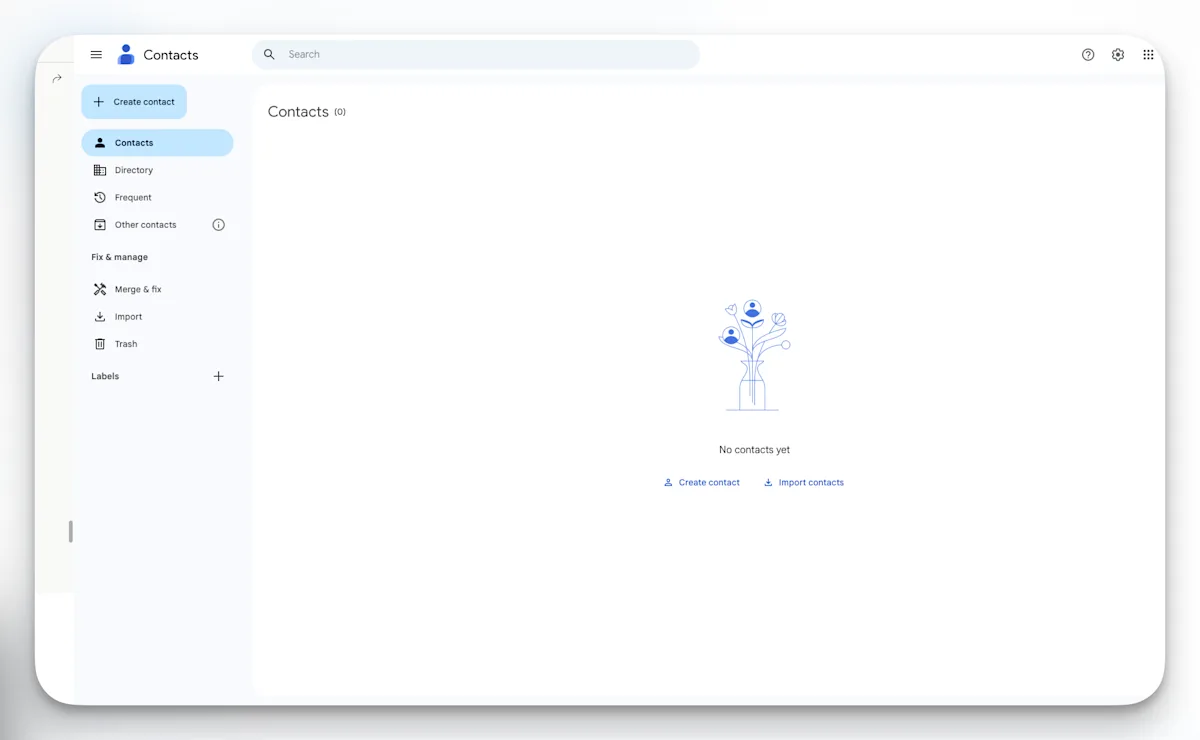
Google Contacts interface
For what it is, Google Contacts is genuinely excellent. Zero cost, zero set-up, and a cross-device sync that works without thinking about it. For someone managing a small circle of personal contacts, a household, or a simple work directory, there's no reason to pay for anything else. Google Contacts earned its install base by being invisible and free, and for the job of storing and syncing contact records, nothing beats it.
The problem is scope. Google Contacts is a filing cabinet. When the job becomes managing hundreds of professional relationships, tracking conversations, remembering context, and knowing when to reach out, a filing cabinet is the wrong tool.
Where Google Contacts stops working
The breakdown usually happens between 100 and 300 professional contacts. Below that threshold, memory and good intentions fill the gaps. Above it, things start slipping.
The first casualty is context. Google Contacts stores a name and an email. It does not store what was discussed at the last meeting, what project someone mentioned, or that their kid just started college. After six months, a contact card with "Alex Chen, VP Product, Stripe" says nothing about why that relationship matters or what to say when reaching out.
The second casualty is follow-through. Google Contacts has no reminder system. There's no way to set a cadence (monthly, quarterly) and get prompted when someone is overdue for a check-in. The entire burden of remembering falls on the user, which works until it doesn't, which is usually around the third week of a busy quarter.
The third casualty is awareness. Google Contacts does not track job changes, company moves, or title updates. These are the single most natural moment to reconnect with someone. A congratulations message sent on the day someone posts a new role gets a response rate that cold outreach never will. Google Contacts doesn't know it happened.
The fourth, and the one that was most surprising once the tracking started: Google Contacts only knows about email. For anyone whose professional relationships also live on LinkedIn, iMessage, WhatsApp, or Instagram, a contact card in Google shows only a fraction of the actual relationship. The WhatsApp thread, the LinkedIn exchange, the Instagram DM, none of it exists in Google Contacts. The contact record looks thin because it is thin. The relationship is richer than the tool can represent.
Feature-by-feature comparison
Here's what each tool actually does, side by side.
Feature | Google Contacts | Dex |
|---|---|---|
Price | Free | $12/month |
LinkedIn sync | No | Yes (up to 9,000 connections) |
Gmail sync | Basic (stores sender) | Full interaction history |
Google Calendar sync | Yes | Yes |
Outlook sync | Yes | Yes |
iMessage sync | No | Yes |
WhatsApp sync | No | Yes |
Instagram sync | No | Yes |
Facebook sync | No | Yes |
Keep-in-touch reminders | No | Yes (kanban board) |
Interaction history | No | Yes (auto-logged) |
Notes per contact | Basic | Full notes + AI Assist |
Pre-meeting briefs | No | Yes (auto-generated) |
Job change alerts | No | Yes |
Business card scanner | No | Yes |
AI Copilot | No | Yes |
Mobile app (iOS + Android) | Yes (basic) | Yes (full-featured) |
Browser extension | No | Yes |
The table tells an obvious story: Google Contacts is a storage layer with two integrations. Dex is a relationship management layer with 12+ integrations and a workflow engine on top.
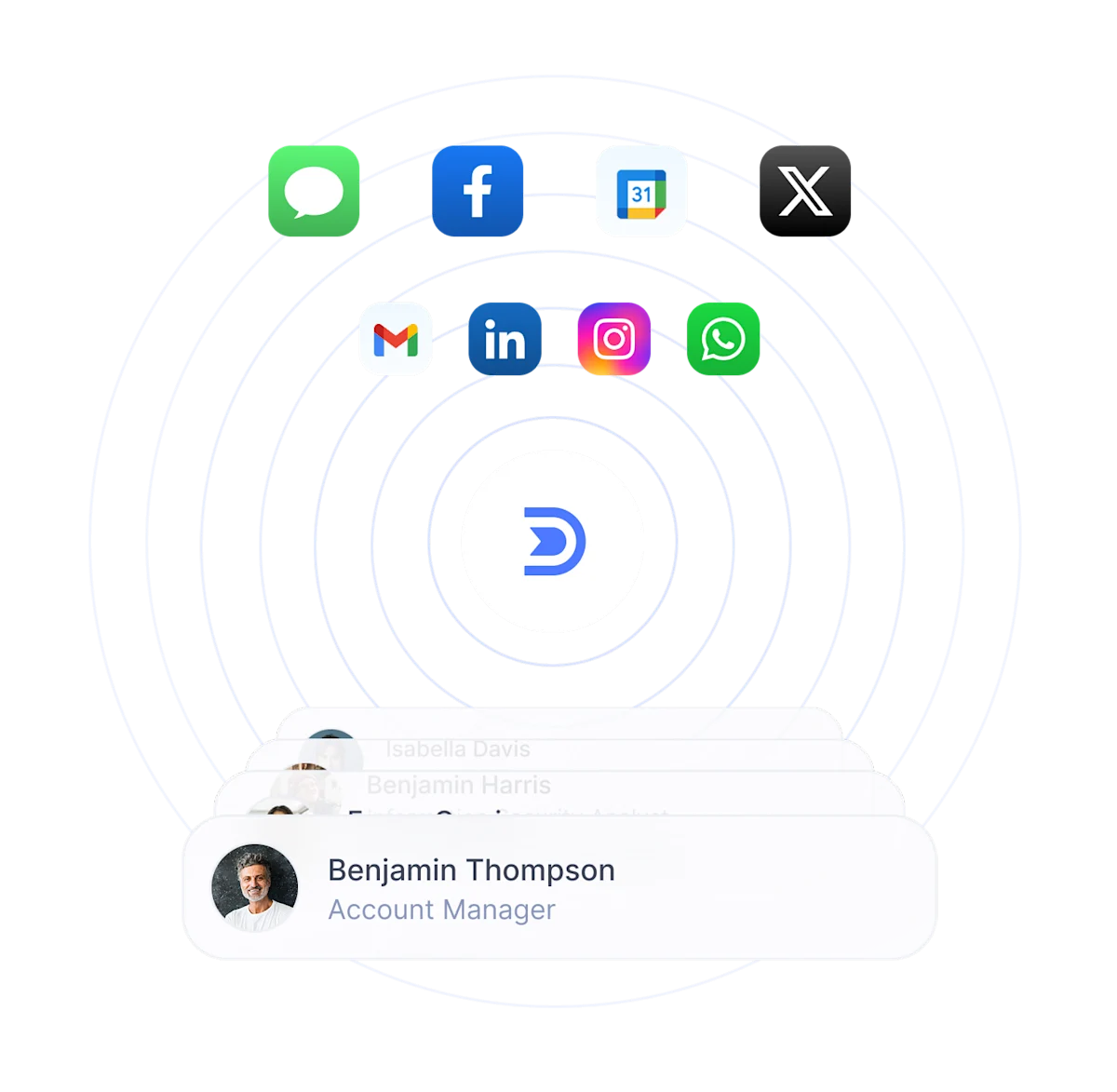
Dex syncs with 12+ platforms for a seamless network consolidation.
Google Contacts wins on exactly two things, and they matter. First, it's free. Not freemium, not free-tier-with-limits. Genuinely free, forever, for anyone with a Google account. Second, it's frictionless. There's no signup, no onboarding, no import step. The contacts are already there. For a tool that's supposed to be opened daily, that kind of zero-friction starting point has real value.
Pricing: what $12/month buys that free doesn't
Google Contacts is free. It will always be free. There is no paid tier, no upsell, no feature gate. For anyone who just needs contact storage and cross-device sync, paying for anything else is wasting money.
Dex costs $12/month on the Premium plan, $20/month on Professional, with a seven-day free trial and no credit card required to start. There is no free tier.
The honest framing isn't "is free better than $12." It's "what does the $12 buy." What it buys is the relationship layer: LinkedIn sync with up to 9,000 connections imported, interaction history auto-logged from email and messaging apps, keep-in-touch reminders on a kanban board, pre-meeting briefs sent before calendar events, job change alerts, AI-assisted follow-up drafting, and a business card scanner for in-person events.
For someone managing 40 personal contacts, they don't. Google Contacts is the right answer and the $12 is a waste. For someone managing 200+ professional relationships where context and follow-through directly affect career outcomes, fundraising, client retention, or deal flow, the cost of the tool is almost irrelevant compared to the cost of the relationships it saves. One reactivated investor intro, one client who didn't churn because the follow-up arrived on time, one job referral that came through because the relationship stayed warm. Any one of those is worth more than $144 a year.
Who Google Contacts is best for
Google Contacts is the right tool for three kinds of users.
First, anyone managing a small contact list (under 50 active relationships). At that scale, memory and the basic Google Contacts notes field handle everything. Adding a personal CRM adds complexity without proportional value.
Second, anyone fully embedded in Google Workspace who needs contact storage and cross-device sync without relationship workflows. IT teams, administrative roles, and personal use cases where the job is "have the number available on every device." Google Contacts does that better than anything else because it's built into the operating system.
Third, anyone who tried a CRM and abandoned it because the maintenance overhead was too high. Google Contacts has zero maintenance. No import steps, no sync configuration, no reminder cadences to set. It's the lowest-friction option available. For someone who needs a contact list and nothing more, the tool that requires the least effort wins. That's Google Contacts.
Google Contacts is not the right tool for anyone managing a real professional network, anyone whose relationships live across platforms beyond email, or anyone whose career depends on follow-through.
Who should use a Google Contacts alternative like Dex instead
Dex is the right choice for anyone whose network is large enough and professional enough that context and timing matter.
Founders and startup operators tracking investors, advisors, hiring targets, and partners across fundraising cycles that last months. The difference between remembering what a partner said at the last meeting and blanking on it is the difference between getting a second meeting and not. Dex logs the interaction history and sends a pre-meeting brief automatically.
MBA students building a career network in compressed time. Business school throws hundreds of new contacts at people in a few months. The ones who have a system keep those relationships. The ones who don't will open Google Contacts in year two and recognize about a third of the names.

Job seekers running an informational interview pipeline. Networking drives roughly 37% of hires. Tracking who was spoken to, what they said, which companies they work at, and when to follow up is the literal job of a personal CRM. Google Contacts can't do any of that.
Freelancers and consultants maintaining client relationships between projects. Repeat business comes from being top-of-mind when the next project starts. A keep-in-touch reminder that fires quarterly is the difference between getting the call and getting replaced by whoever followed up last week.
Investors tracking deal flow, portfolio founders, and LP relationships. The interaction history and job change alerts are worth the price of admission alone.
Anyone whose relationships span multiple social platforms and email, not just Gmail. Google Contacts only sees email. Dex sees all of it in one profile per person.
For a broader look at the category, the best personal CRM apps for 2026 roundup covers the full landscape, and the best personal CRM guide goes deeper on how to choose between them. For a comparison of Dex against other contact management software options, that post covers seven tools including Google Contacts, HubSpot, folk, Clay, and Notion.
Know what your network is up to
The best way to find out whether a personal CRM actually changes the work is to run both side by side for a week. Keep Google Contacts doing what it does.
Try Dex free for seven days and see what it's like to have context before every meeting, reminders before relationships go cold, and one profile per person that shows the whole picture, not just an email address. The difference becomes obvious fast.
Frequently asked questions
Is Google Contacts a CRM?
No. Google Contacts is a contact storage and sync tool, not a CRM. It stores names, phone numbers, and email addresses, and it syncs across devices signed into the same Google account. It does not track interaction history, surface reminders, log conversation notes, manage relationship timelines, or integrate with LinkedIn or messaging platforms. A CRM adds workflow features on top of contact storage. Google Contacts is the storage layer only.
What is the best Google Contacts alternative?
For individuals managing professional networks, Dex is the strongest Google Contacts alternative because it adds the relationship management layer that Google Contacts lacks: LinkedIn sync, interaction history, keep-in-touch reminders, pre-meeting briefs, and cross-platform contact consolidation. For teams that need shared pipelines and deal tracking, HubSpot or folk are better alternatives. For privacy-focused users willing to self-host, Monica is a credible open-source option.
Can Google Contacts be used for networking?
Google Contacts can store contacts from networking events, but it cannot manage a networking workflow. There are no reminders to follow up, no way to track what was discussed, no LinkedIn sync, no job change alerts, and no interaction timeline. For casual networking at a small scale, it works. For anyone building a professional network systematically, a dedicated personal CRM is a better fit because it adds the follow-up, context, and reminder features that networking actually requires.
Does Google Contacts track interaction history?
No. Google Contacts does not log emails, calls, meetings, or messages associated with a contact. Gmail shows email threads separately, and Google Calendar shows shared meetings separately, but there is no unified interaction timeline on a contact's profile. Finding past conversations requires searching Gmail manually. A personal CRM like Dex auto-logs interaction history from email, calendar, LinkedIn, and messaging apps into a single timeline per person.
How is Dex different from Google Contacts?
Google Contacts stores and syncs contact records across devices. Dex manages relationships. The core differences: Dex syncs contacts from 12+ platforms (LinkedIn, Gmail, Outlook, WhatsApp, iMessage, Instagram, Facebook, X), auto-logs interaction history, surfaces keep-in-touch reminders on a kanban board, generates pre-meeting briefs before calendar events, alerts users to job changes, and includes AI-assisted follow-up drafting. Google Contacts does none of that. Google Contacts is free; Dex is $12/month. The tradeoff is cost versus relationship management capability.