7 Best CRMs With AI to Automate Your Follow-Ups
The best CRM with AI depends on what kind of follow-up you're behind on. Dex is best for keeping personal and professional relationships warm. HubSpot, Pipedrive, and Zoho fit sales pipelines. folk and Attio sit in between, and Mesh is a light, mostly free option.

Most follow-ups don't get missed because people don't care. They get missed because nobody reminded them, the context was buried in an inbox, and writing the message felt like a chore. A CRM with AI is supposed to fix all three, and it's quickly becoming the default. AI was the top item on our list of CRM trends for 2026.
The trouble is that "AI" now appears on every CRM's pricing page, and it means very different things. In one tool it's a button that rewrites your email. In another it's an agent that sends a five-step sequence while you sleep. In a third, it remembers that you promised a client an intro two weeks ago.
This guide compares seven tools by what their AI does for follow-ups, what it costs, and which plan you need before the AI shows up at all. Prices were checked on each vendor's pricing page in October 2026.
Fast facts:
"AI follow-up" covers four different jobs: reminding you, drafting the message, sending it automatically, and summarizing what was said last time. Few tools do all four well.
Sales CRMs (HubSpot, Pipedrive, Zoho) lean toward sending. Relationship CRMs (Dex, folk, Mesh) lean toward reminding and drafting.
On most sales CRMs, the strongest AI features sit on mid-tier plans or run on usage credits.
Dex starts at $12/month billed annually. HubSpot and Zoho CRM have free plans, and Attio's free plan covers up to 3 seats.
What AI does for follow-ups
Before you compare logos, decide which of these four jobs you need help with:
Remind you. The CRM notices it's been too long since you talked to someone and tells you. Good versions go by your real last interaction, not a date you typed in.
Draft the message, using your notes, past emails, and the person's background.
Send it. The CRM emails people on a schedule (a sequence) until they reply.
Summarize the history, condensing a long thread or past meetings so you know where you left off.
If you sell to cold or warm leads in volume, you need job 3. If you manage relationships with clients, investors, referral partners, or your own network, jobs 1, 2, and 4 matter far more, and an automated sequence can do real damage. Nobody wants a drip campaign from their old manager.
This split is the same one we cover in what a personal CRM is and how it differs from a sales tool. Keep it in mind as you read the list.
The 7 best AI CRMs compared
Tool | Starting price | Free plan | Main AI follow-up feature | Sends sequences? | Best for |
|---|---|---|---|---|---|
Dex | $12/mo (annual) | No (6-day trial) | Keep-in-touch reminders, AI-drafted messages, Copilot | No (drafts only) | Personal and professional relationships |
HubSpot | $20/seat/mo (Starter, monthly) | Yes, up to 2 users | Breeze AI agents and assistant, run on credits | Yes | Teams that want an all-in-one platform |
Pipedrive | $14/seat/mo (annual) | No (14-day trial) | AI Sales Assistant, email summaries | Yes (Growth and up) | Small sales teams |
folk | $24/member/mo (annual) | No (14-day trial) | Follow-up Assistant, Recap Assistant | Premium plan only | Relationship-led teams and agencies |
Attio | $35/seat/mo (Plus, annual) | Yes, up to 3 seats | Ask Attio, AI agents on credits | Pro plan | Startups that want a flexible data model |
Zoho CRM | $14/user/mo (annual) | Yes, up to 3 users | Zia predictions and recommendations | Yes | Budget-conscious sales teams |
Mesh | $10/mo (Pro) | Yes, up to 1,000 contacts | Nexus AI search, reconnect reminders | No | Individuals who want light tracking |
How to choose a CRM with AI
Run each option through these questions before you start a trial:
Who are you following up with? Prospects in a pipeline point to HubSpot, Pipedrive, or Zoho. Clients, partners, and your wider network point to Dex, folk, or Mesh.
Do you want the AI to send, or to prepare? Auto-sent sequences save time at volume but sound generic. Drafts you review keep the personal tone that relationships depend on.
Where do your conversations happen? If half your follow-ups live in LinkedIn DMs, WhatsApp, or text, a CRM that only reads email will miss them. Our guide to personal CRMs with email and calendar integration goes deeper on sync.
Which plan unlocks the AI? Several tools advertise AI on the homepage but gate it behind a mid-tier plan or a credit allowance. Check before you budget.
How much context does it read? An AI draft is only as good as what the tool knows about the person, so notes, meeting history, and job changes matter.
1. Dex: best CRM with AI for personal and professional relationships
Price: Premium $12/month billed annually ($20 month to month), Professional $20/month billed annually. 6-day free trial; a card is required, and you aren't charged until it ends.
Dex is a personal CRM for people whose work runs on relationships: founders, investors, consultants, recruiters, job seekers, and real estate agents. Its AI is built around remembering and reminding rather than blasting out email.
The core is Keep in Touch. You set how often you want to talk to someone (every month, every six months), and Dex calculates the next date from your last real interaction. A LinkedIn message, email, or meeting pushes the date back automatically, so you aren't nagged about someone you spoke to yesterday.
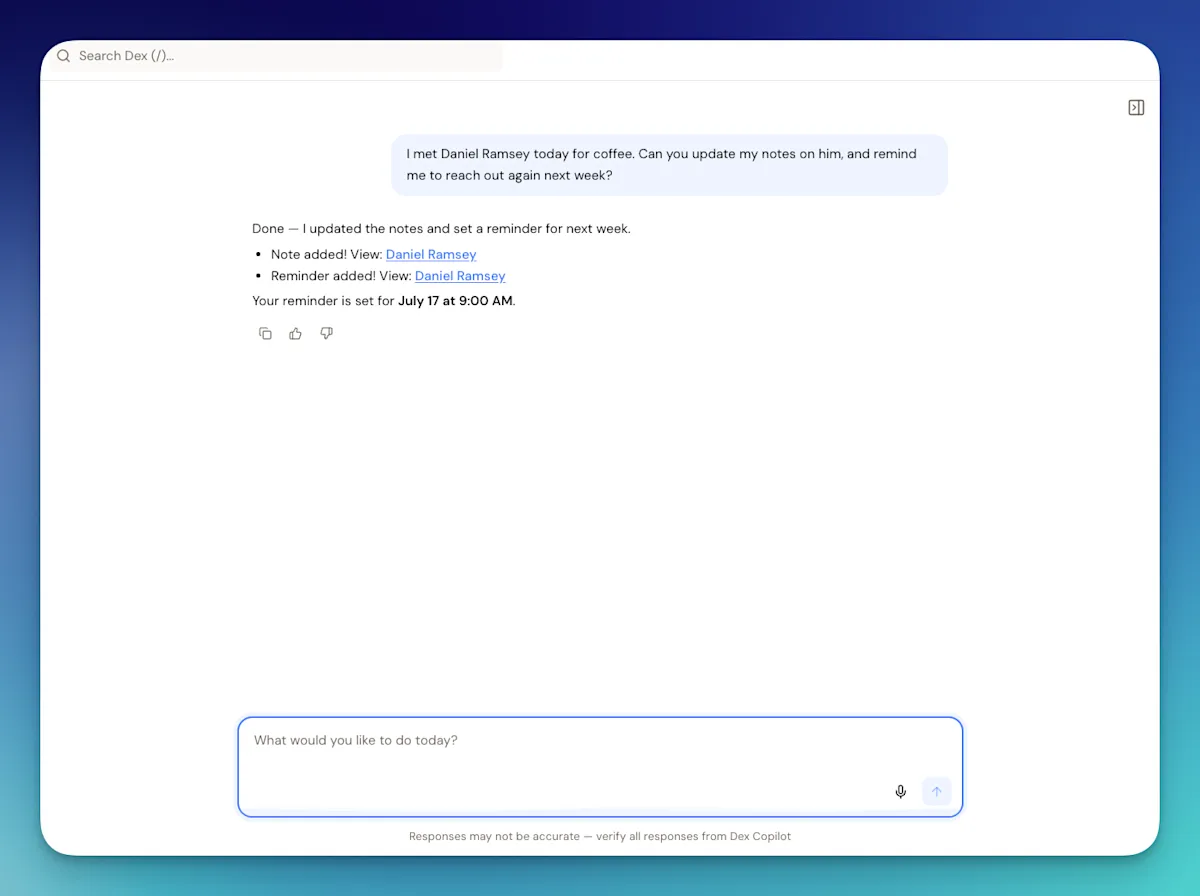
When it's time to reach out, AI Assist drafts conversation starters from your notes, the person's background, and your calendar and email history. You pick one, edit it, and send it from your own inbox. Dex Copilot works on web and mobile and goes further: ask it to summarize your history with someone, draft an intro, suggest a gift idea, or set a reminder, and it does it in plain language.
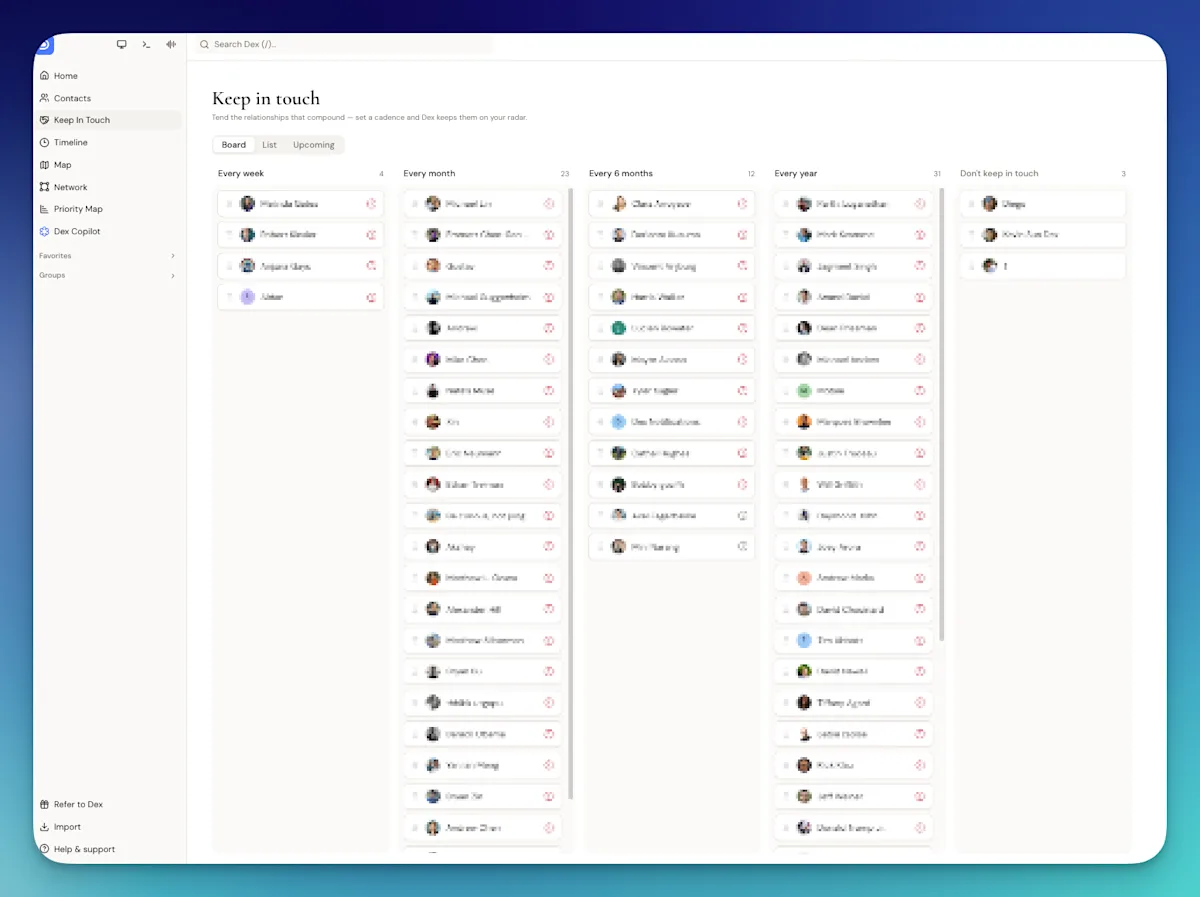
You don't even have to open the app. You can text Dex over SMS or WhatsApp ("Remind me to call Mike about the proposal next Tuesday") and it creates the reminder, and a morning digest lists who you should reconnect with, along with birthdays and job changes. About 10 minutes before a small meeting, Dex emails you a pre-meeting brief with recent emails, past meetings, and your notes on each attendee. That one is still in beta and covers meetings of up to four people.
On Professional, the Dex MCP server and ChatGPT app let Claude or ChatGPT search your contacts, log notes, and set follow-ups for you. Professional also adds voice mode on web and desktop.
LinkedIn Sync flags job changes in your network, which are some of the easiest reasons to get back in touch.
Where Dex falls short: it doesn't send automated sequences, and it has no deal pipeline. It drafts, you send. If you need 500 cold emails out this week, pick a sales CRM. If you need to keep 500 relationships from going cold, this is what Dex is built for. See how it stacks up against the sales tools in our Dex vs HubSpot and Dex vs Pipedrive comparisons.
Best for: Professionals who manage relationships rather than deals and want AI that reminds them and drafts the message, not one that sends it.
2. HubSpot: best AI CRM for an all-in-one platform
Price: Free for up to 2 users. Sales Hub Starter from $20/seat/month billed monthly. Professional $90/seat/month billed annually, plus a one-time $1,500 onboarding fee.
HubSpot has the broadest AI of any tool here, under the Breeze name. The Prospecting Agent researches leads and writes personalized outreach, the Data Agent keeps records updated from the web, and the Breeze assistant answers questions about your CRM data and drafts emails.
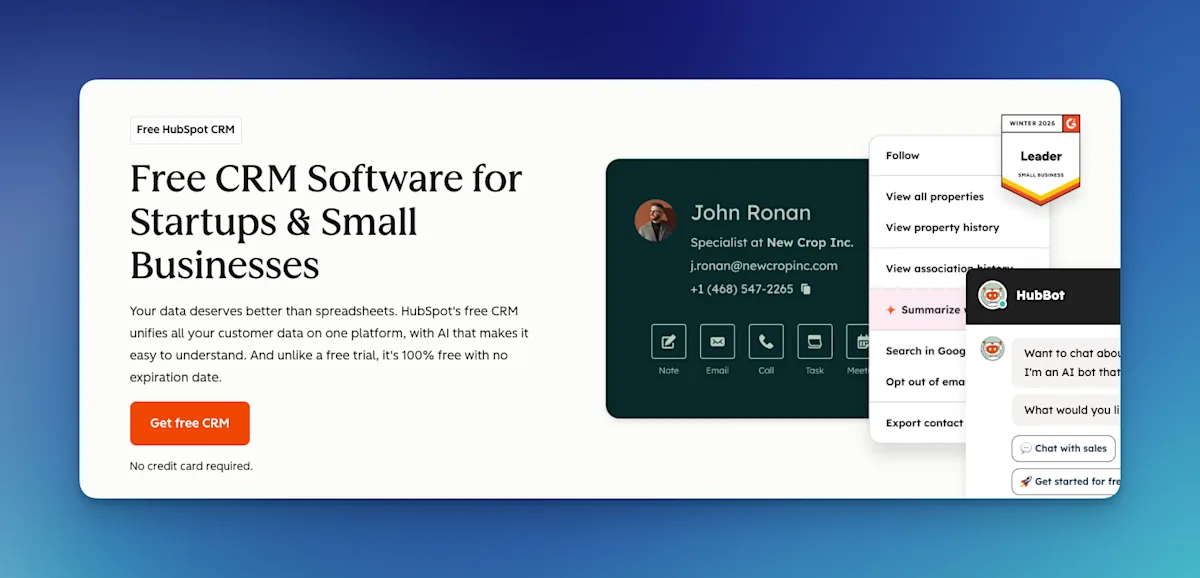
Most of the agent work runs on HubSpot Credits. Starter includes 500 a month, Professional 3,000, and Enterprise 5,000, with extra credits at $0.01 each. That's flexible, but it makes the true cost harder to predict, and credits don't roll over.
For follow-ups specifically, HubSpot is strong once you're on a paid plan: sequences, task queues, and email tracking that tells you when someone opened your message. The free CRM is a reasonable place to start, and it's one of the picks in our best CRMs for small business roundup.
The trade-off is weight. HubSpot is a marketing, sales, and service platform, and individuals using it to keep in touch end up ignoring most of the interface.
Best for: Growing teams that want marketing, sales, and AI in one place and are fine paying for it as they scale.
3. Pipedrive: best AI CRM for small sales teams
Price: Lite $14, Growth $24, Premium $49, Ultimate $69 per seat/month, billed annually. 14-day free trial, no card required.
Pipedrive is a pipeline-first CRM, and its AI follows that focus. The AI Sales Assistant answers questions about your data and flags deals that need attention. On Premium and above, AI email summaries condense long threads into a summary, the sentiment, action items, and a 1-10 readiness-to-buy score.
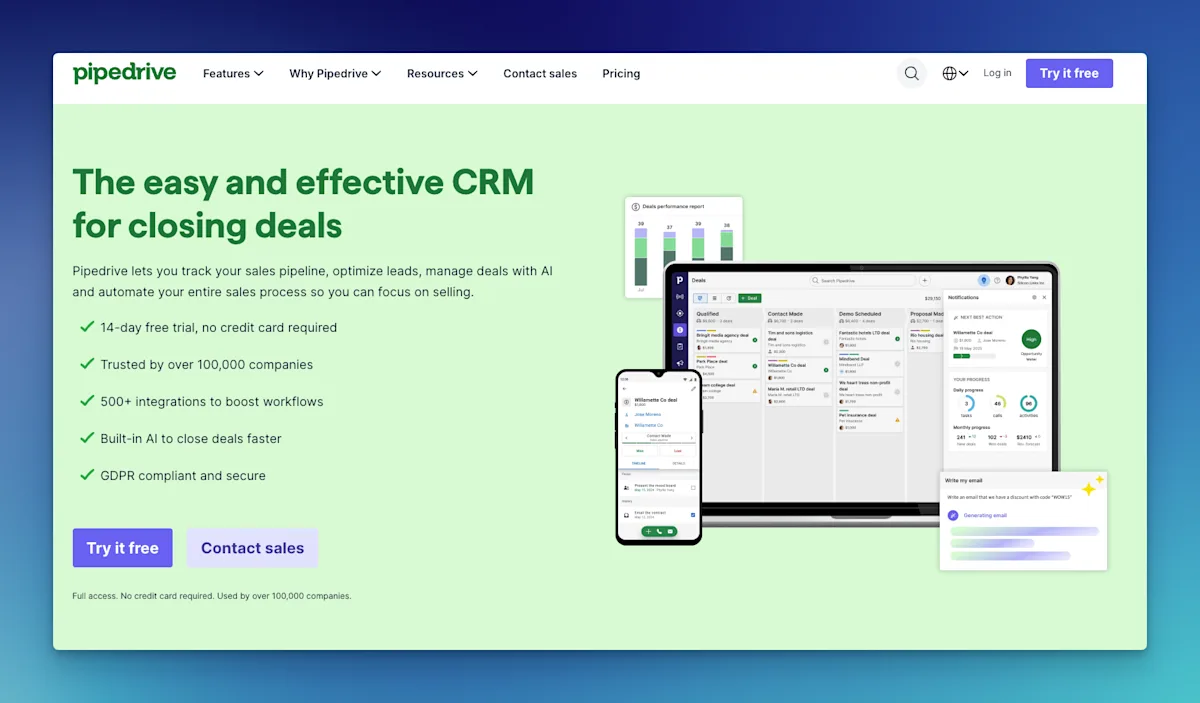
Growth is the plan Pipedrive pitches for automating emails and follow-ups, so that's realistically the entry point if automation is why you're shopping. Some newer AI features are still in beta for selected accounts, so check what's live on your plan during the trial.
Pipedrive is easy to learn and well priced for a 2-10 person sales team. It isn't meant for personal networking, though, and treating every relationship as a deal gets awkward fast. We cover that tension in detail in Dex vs Pipedrive.
Best for: Small sales teams that want a clear pipeline and AI that keeps deals from stalling.
4. folk: best AI CRM for relationship-led teams
Price: Standard $24/member/month billed annually ($30 monthly), Premium $48 ($60 monthly). 14-day free trial, no card required.
folk sits between a sales CRM and a personal one. It's popular with agencies, investors, and partnership teams who manage relationships together.
Its Follow-up Assistant suggests who to follow up with and drafts the message based on your history with that person, and the Recap Assistant summarizes past interactions. Both are included on every plan. Magic fields (AI-filled columns) are capped at 2,000 a month on Standard and 5,000 on Premium, and the Research Assistant at 200. Automated sequences need Premium.
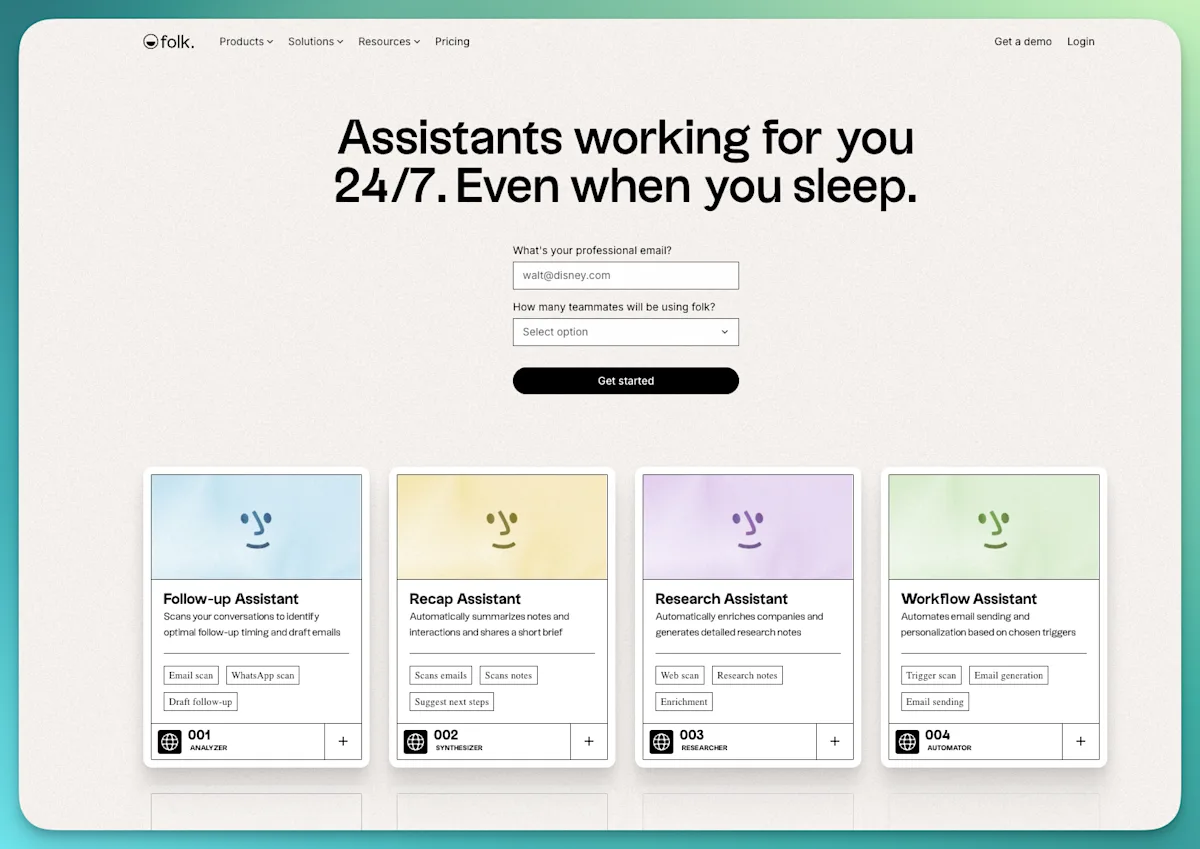
folk launched a mobile app in July 2026, which closed one of its older gaps. For a full breakdown, read our folk CRM review or the head-to-head Dex vs folk.
Best for: Small teams that share a network and want AI help with follow-ups without a heavy sales setup.
5. Attio: best AI CRM for flexible, data-heavy setups
Price: Free for up to 3 seats. Plus $35/seat/month billed annually ($44 monthly), Pro $79 ($99 monthly).
Attio is a modern, highly customizable CRM that a lot of startups and VC firms adopted as a HubSpot or Salesforce replacement. You build your own objects and views, and it syncs email and calendar to fill in relationships automatically.
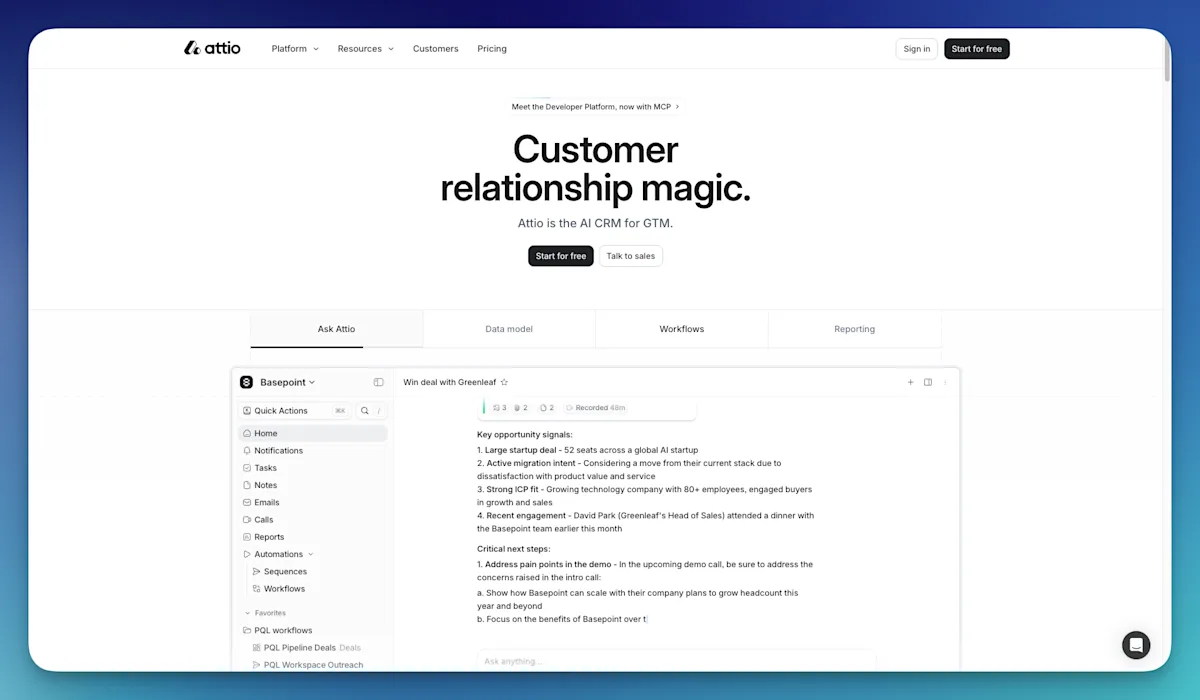
Its AI includes Ask Attio, a chat assistant for querying your data, plus AI agents and workflows that can research records and act on them. All of it draws from a shared pool of credits: 100 per user each month on Free, 500 on Plus, 1,000 on Pro, plus a workspace allowance. Sequences and call intelligence are part of the Pro plan.
Attio rewards people who like to design their own system. If you just want follow-up reminders that work on day one, it asks for more setup than you may want. Our Dex vs Attio comparison goes into that trade-off.
Best for: Startups and investment teams that want a configurable data model with AI on top.
6. Zoho CRM: best budget AI CRM for sales teams
Price: Free for up to 3 users. Standard $14, Professional $23, Enterprise $40, Ultimate $52 per user/month, billed annually.
Zoho CRM has offered its AI assistant, Zia, for years. Zia predicts which leads and deals are likely to convert, spots anomalies in your pipeline, and recommends next actions. Zoho now also lets you build AI agents that work across its apps.
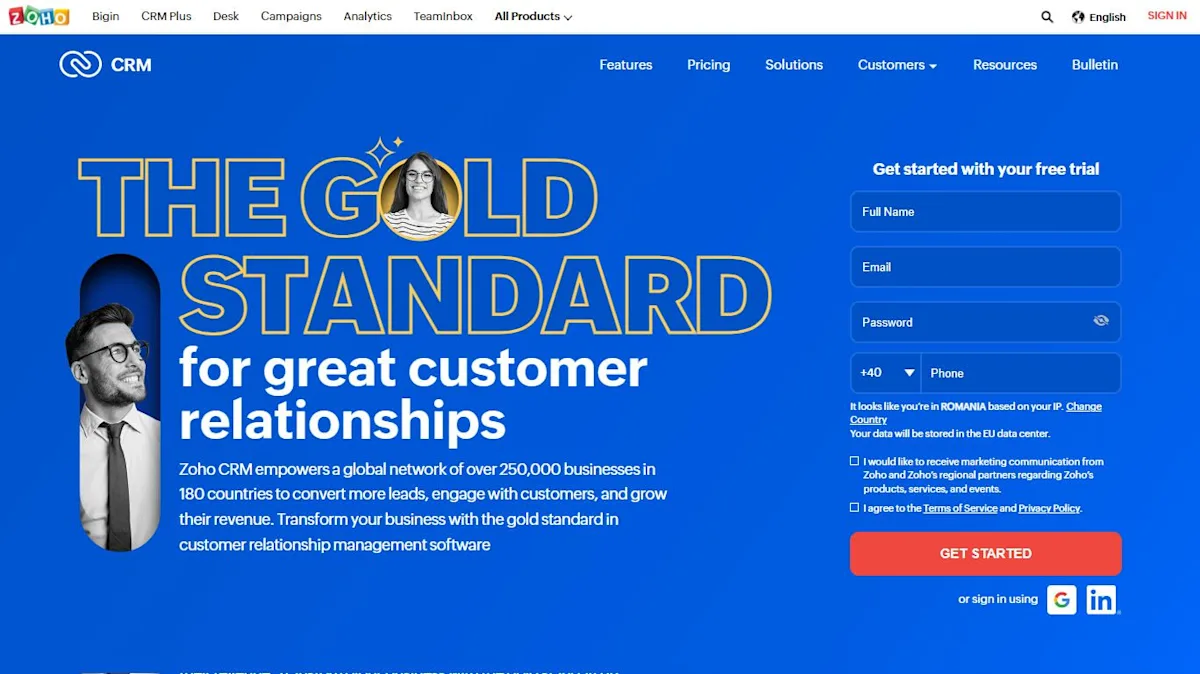
The catch is tiering. Professional is the plan Zoho labels "Automation and AI," with predictive scoring and email intelligence, but Zoho's pricing page only names Zia's full insights and recommendations on Enterprise. For a team already using Zoho Mail, Books, or Desk, the value is hard to beat. Coming from scratch, expect a learning curve.
Best for: Price-sensitive sales teams, especially ones already inside the Zoho ecosystem.
7. Mesh: best free AI tool for light relationship tracking
Price: Personal plan free for up to 1,000 contacts. Pro $10/month, Team $40/seat/month. 14-day Pro trial; a card is required.
Mesh, formerly Clay and now owned by Automattic, is a lightweight personal CRM. It pulls contacts together, tracks life updates like job changes and news mentions, and sends reconnect and birthday reminders. Nexus, its AI feature, lets you search and ask questions about your network in plain language.
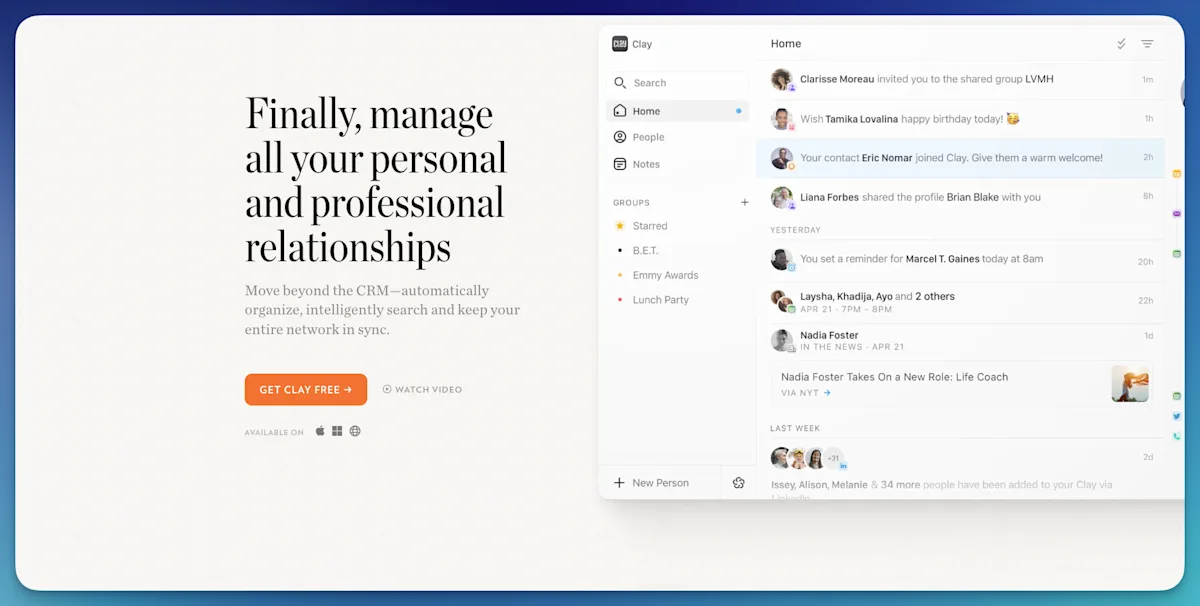
Mesh is good at telling you who to reach out to. It does much less to help you write or send the message. The free plan is generous, and an Android app arrived in August 2026. Read the full Mesh review or our Dex vs Clay comparison for the details.
Best for: Individuals who want a free, low-effort way to remember people, and don't need help drafting follow-ups.
Who shouldn't buy a CRM with AI
AI won't help if the basics are missing. Skip it, or wait, if any of these apply:
You have fewer than 30 people to follow up with. A calendar reminder or a simple spreadsheet works fine. Our list of free personal CRMs covers the no-cost options.
Your contact data is a mess. AI drafts pull from your notes and history. Duplicate contacts and empty records produce generic messages. Clean up first; our contact management software guide helps.
You want the AI to replace the relationship. Automated "just checking in" emails are easy to spot. AI is most useful when it tells you who's due and what you talked about last time, and then you write the message like yourself.
Which CRM with AI should you pick?
If you need | Pick |
|---|---|
Reminders and AI drafts for personal and professional relationships, across LinkedIn, email, WhatsApp, and text | Dex |
An all-in-one sales and marketing platform (budget for paid seats and credits) | HubSpot |
A pipeline for a small sales team | Pipedrive, Growth plan or above |
A CRM a small team shares to manage one network | folk |
A custom data model | Attio |
The lowest price per seat | Zoho CRM |
Free, basic tracking | Mesh |
If your follow-ups are with people rather than pipeline stages, start with a relationship tool. Our personal CRM for networking roundup covers more options in that category, and how to use AI for networking shows the habits that make any of these tools work.
FAQ
What is a CRM with AI?
A CRM with AI is customer or contact management software that uses artificial intelligence to handle parts of the work for you: reminding you who to contact, drafting messages from your notes and email history, summarizing past conversations, scoring leads, or sending automated email sequences. What the AI does varies a lot between tools.
What is the best AI CRM for small business?
For a small sales team, Pipedrive and HubSpot are the most common picks. Pipedrive is cheaper and simpler, and HubSpot has more AI but costs more as you add seats and credits. Zoho CRM is the budget option. If your business runs on referrals and long-term client relationships rather than a lead pipeline, Dex or folk will fit better.
Can AI automatically follow up with my contacts?
Yes, but the type of tool matters. HubSpot, Pipedrive, Zoho, Attio, and folk's Premium plan can send automated email sequences. Dex and Mesh don't auto-send. Dex reminds you when a follow-up is due and drafts the message with AI, and you send it yourself. For client and network relationships, that usually lands better than an automated email.
Is there a free CRM with AI?
HubSpot, Zoho CRM, and Attio all have free plans with some AI features, though the strongest features sit on paid tiers or run on credits. Mesh's free plan includes Nexus AI search and reconnect reminders for up to 1,000 contacts. Dex offers a 6-day free trial rather than a free plan.
How is an AI CRM different from an AI email assistant?
An AI email assistant helps you write and manage email. A CRM with AI knows who the person is, your full history together, when you last spoke, and when you should speak again, then uses that to prompt and draft the follow-up. The CRM decides when to follow up; the email assistant only helps once you've decided.
Will an AI CRM make my follow-ups sound robotic?
It can, if it sends messages without you reading them. Tools that draft from your own notes and let you edit before sending, like Dex's AI Assist or folk's Follow-up Assistant, keep the message personal. Treat any AI draft as a starting point and add one specific detail only you would know.
Ready to stop letting follow-ups slip? Get started with Dex and set your first keep-in-touch reminders in a few minutes.
Related guides