Dex for Students: Stay in Touch With Classmates, Professors and Alumni
How to use Dex in college to remember the people you meet, follow up with professors and recruiters, and keep your network going after you graduate.

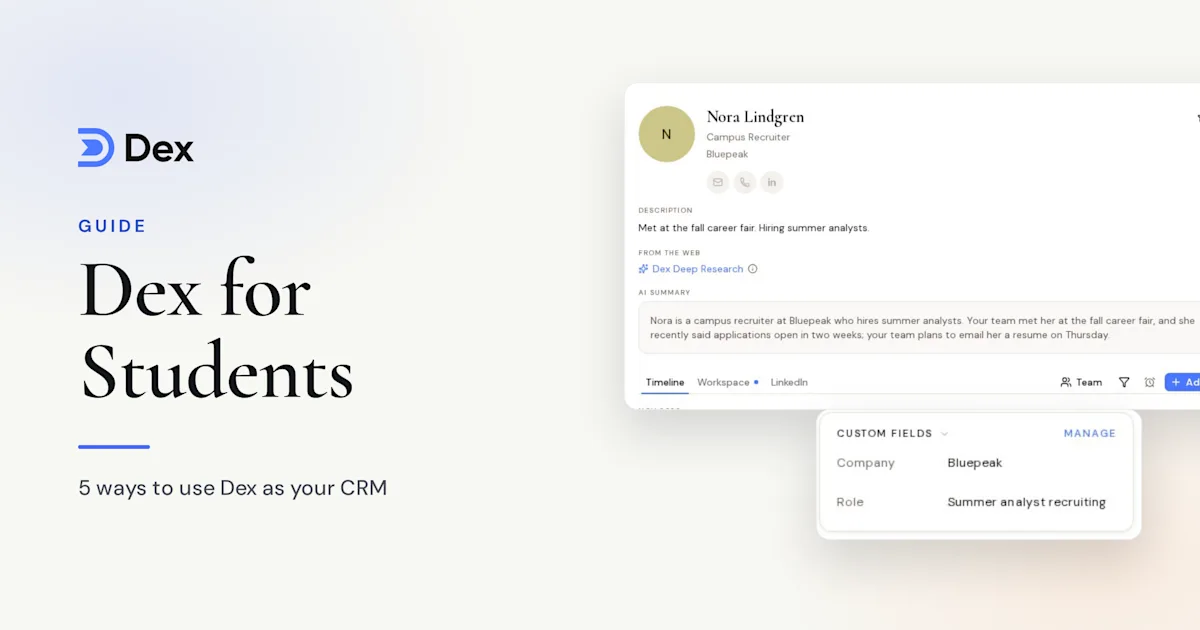
College introduces you to hundreds of people. There's the lab partner who's now at a startup you'd love to join, the alum who gave you 20 minutes at career fair, and the professor who offered to write a recommendation "whenever you need it." Four years go fast, and a phone full of half-saved contacts won't hold all of that.
Dex helps you keep track of who you met, what you talked about and when to reach back out. Students get 50% off for a year. You don't need a big network to start. This guide shows you a simple setup that takes about 30 minutes and grows with you.
Get your student discount
Enter your .edu email on the Dex for students page and your code arrives by email. You get 50% off for one year. MBA students get a longer discount, covered in our Dex for MBA students guide.
Sign up with a personal email if you can, because your school address may stop working after you graduate. Dex is your account, and you'll want it to outlast your enrollment.
Set up in 30 minutes
You'll get the most from a few connections.
Install the mobile app. Most of your Dex use will happen on your phone, right after you meet someone.
Connect Google under Settings → Workflow → Sync & Import/Export so your emails and calendar show who you've met.
Connect LinkedIn sync from the mobile or desktop app. Syncing in the browser isn't supported, so do this step on your phone.
Connect WhatsApp or Instagram if that's how you talk to friends and classmates.
You can also sync your phone contacts, which brings in everyone you've saved so far.
Make a few groups
Three to five groups are enough. Try these:
Classmates
Professors and TAs
Alumni and mentors
Recruiters and internship contacts
Friends and family
Tags are good for clubs or interests, like "debate", "pre-med" or "robotics". You can always add more later, so don't spend an hour on this. Read our groups and tags docs if you'd like more options, including saved views.
Add people the moment you meet them
Do this before you leave the room. Open the app, type their name, and add one line: "Met at career fair. Works in product at Stripe. Studied CS here." You'll thank yourself in the spring.
Three shortcuts help:
At a career fair, use the business card scanner. It reads the card and creates the contact, and you can scan several in a row. The card image stays on the contact.
On LinkedIn, use the Chrome extension to add someone and write a note from their profile.
If you'd rather talk than type, Add with voice in the mobile app dictates a note and cleans it up. It works on every plan.
Follow up before it gets awkward
Most student networking fails at one step: the follow-up. You meet someone good, mean to email them, and three weeks later it feels too late.
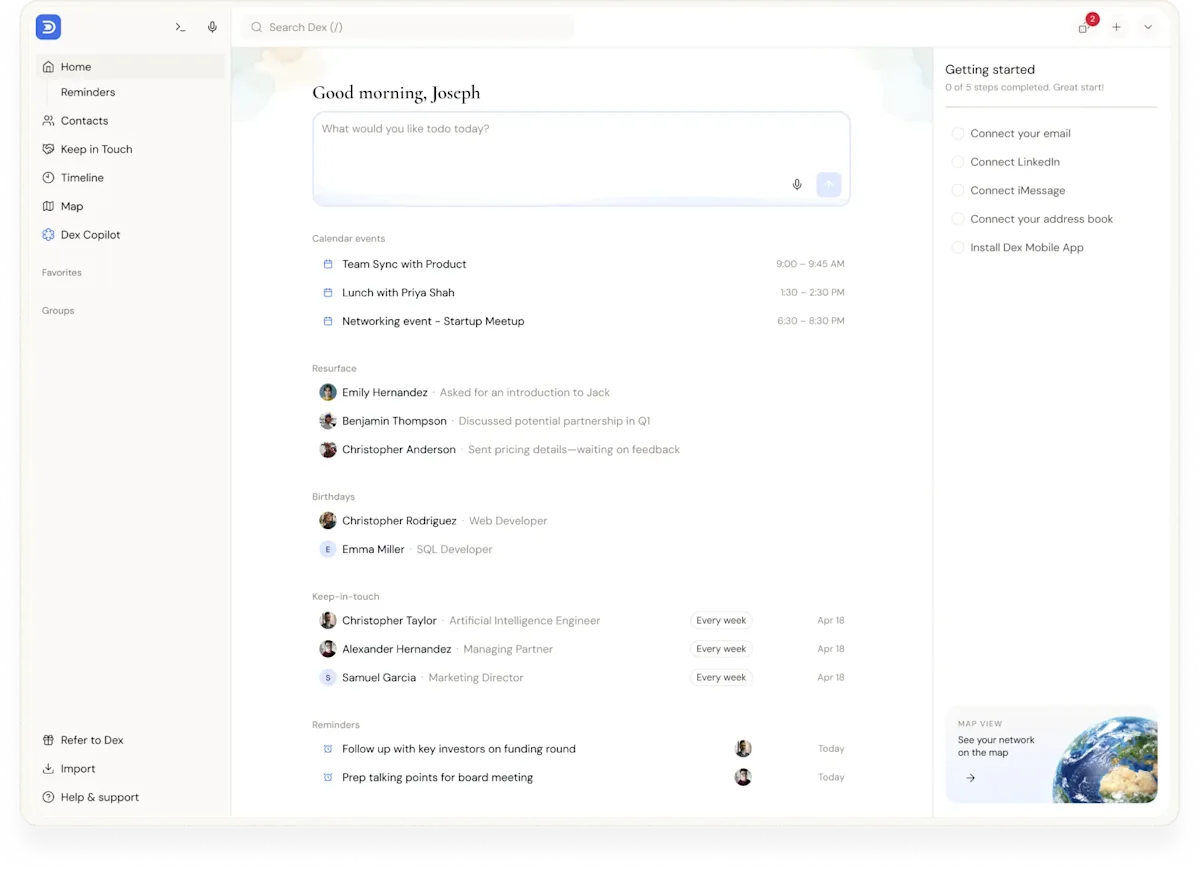
Set a reminder right after you meet: "Email Maya thank you, Thursday." It appears on your Home page and in the daily digest at 8:30am.
Then use keep-in-touch frequencies for the people you want to stay close to. These are a good starting point:
Mentors: every 90 days
Alumni who helped you: every 180 days
Professors who'd write you a recommendation: every 180 days
Old friends from home: every 30 days
Dex counts from your last interaction, so if you've just messaged someone, the date moves forward by itself.
Getting recommendations and internships
Plan ahead with the people who can vouch for you.
A professor can't write a good recommendation if they don't remember you. So after a good class, add a note about what you did well: your final project, a paper you're proud of. Then when you ask for the letter a year later, you can remind them of the specifics.
For internships, ask Copilot things like:
"Who do I know who works in finance?"
"Which alumni do I know in New York?"
"Summarize my conversations with Priya."
"Draft a thank-you note to Daniel."
Copilot writes a first draft and you make it sound like you, then send it yourself. When a recruiter's calendar invite comes through, Dex can email you a pre-meeting brief with your history together about 10 minutes before the meeting.
Our guide on organizing your job search covers the rest of the process.
A 10-minute weekly routine
Pick a time, like Sunday evening. The weekly digest arrives on Sundays with your upcoming reminders and birthdays.
Add anyone you met this week.
Send the follow-ups that are due.
Message one person you haven't talked to in a while.
Keep it small. Ten minutes a week over four years gives you more than most students will ever build.
Before you graduate
Change your Dex login to a personal email if you used your school address. You can do this from the Account Settings page.
Add personal emails for your close friends and professors.
Add the cities your friends are moving to. The map view shows who's nearby when you visit.
Thank the people who helped you, and tell them where you're headed.
Frequently asked questions
How much is Dex for students?
Students with a .edu email get 50% off for one year. Premium is $12 a month billed annually before the discount. Claim your code on the student page.
I don't have many professional contacts yet. Is Dex still useful?
Yes. Starting small is easier. Friends, classmates and family count, and you'll have a habit in place by the time recruiting starts.
Does Dex work on my phone?
Yes. Dex runs on iPhone, Android, web, Mac and Windows, and everything stays in sync.
Does the discount renew?
The student discount lasts one year. Contact support@getdex.com about anything specific to your account.
Get started
The people you meet in college may matter for decades. Keeping them is simple: add them when you meet, write one line, set a follow-up, and come back once a week. Start today with five people you've met this semester.
Claim your 50% student discount and start a 6-day free trial. A card is required to start the trial, and you won't be charged until it ends.