Dex for Real Estate Agents: How To Set It Up
How to set up Dex for your sphere and past clients, step by step, with cadences, notes and a weekly routine that fits between showings.

According to the NAR 2025 Profile of Home Buyers and Sellers, 66% of sellers found their agent through a referral or had worked with them before. The same report puts the typical seller's time in a home at 11 years. Staying in touch for that long is a lot to ask of your memory, and it's a poor fit for a lead CRM.
Dex gives your sphere and past clients a home of their own. This guide walks through setting it up. For the strategy behind it, including touch plans and referral scripts, read The Real Estate Agent's Guide. This one shows you which buttons to press.
Use Dex next to your lead CRM
Dex doesn't replace Follow Up Boss, Lofty or BoldTrail. Those tools route new leads and run drip campaigns. Keep incoming leads there. When a deal closes, or when someone is a person you know and not a lead, they belong in Dex.
That also protects you. If you change brokerages, a brokerage CRM may not come with you. Dex is your own account, and you can export your contacts at any time.
Step 1: Bring in your people
Sync your phone contacts from the mobile app. For most agents this is the fastest way to get your sphere in.
Import a CSV of past clients from your CRM, or a spreadsheet. Do this in the web app. Put a group name in one column so they arrive sorted.
Connect Gmail and Google Calendar under Settings → Workflow → Sync & Import/Export. Outlook email and calendar sync require Professional.
Install the Mac desktop app to bring in iMessage and phone call history. This is Mac only. For agents who live in texts, it's the most useful sync in Dex.
Connect WhatsApp if clients message you there.
Step 2: Set up groups and tags
These groups cover most solo agents:
A-list: people who've referred you, or would
Past clients
Sphere: friends, neighbors, former colleagues
Referral partners: lenders, inspectors, attorneys, contractors
Agent referrals: agents in other markets
Farm area
Tag by neighborhood or by details like "investor", "downsizing" or "first-time buyer". A saved view of "Past clients, tagged Maplewood" gives you a list to work before you host an open house there.
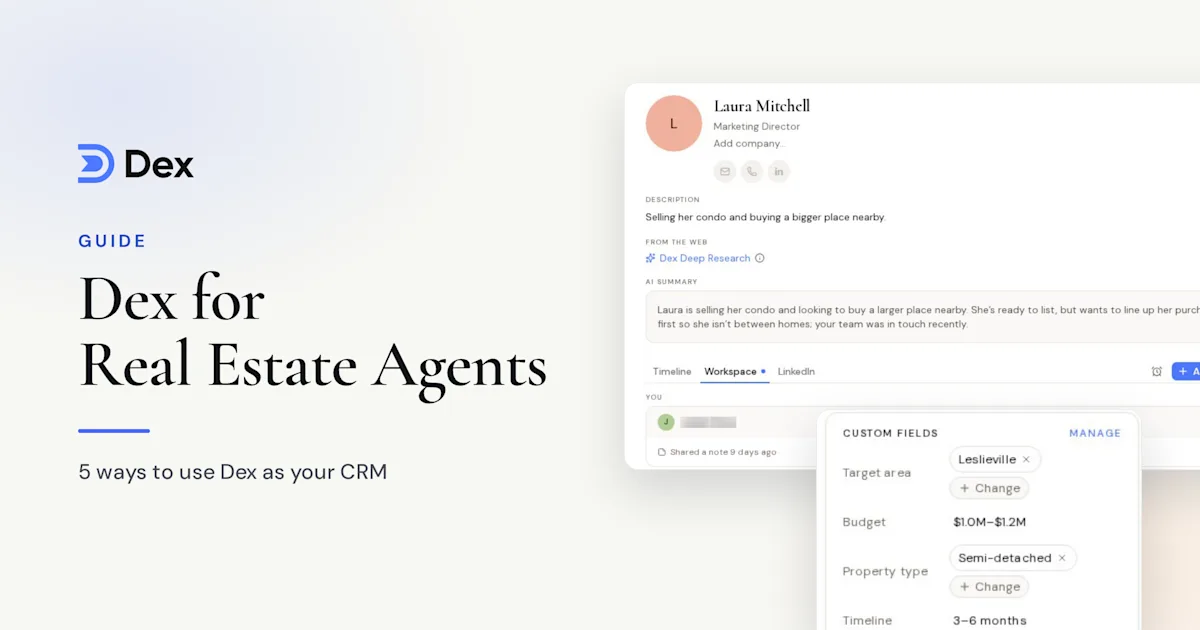
Add custom fields for closing date, property address and home anniversary. Then set a yearly recurring reminder for each home anniversary, which gives you a reason to reach out that belongs to them.
Step 3: Set keep-in-touch frequencies
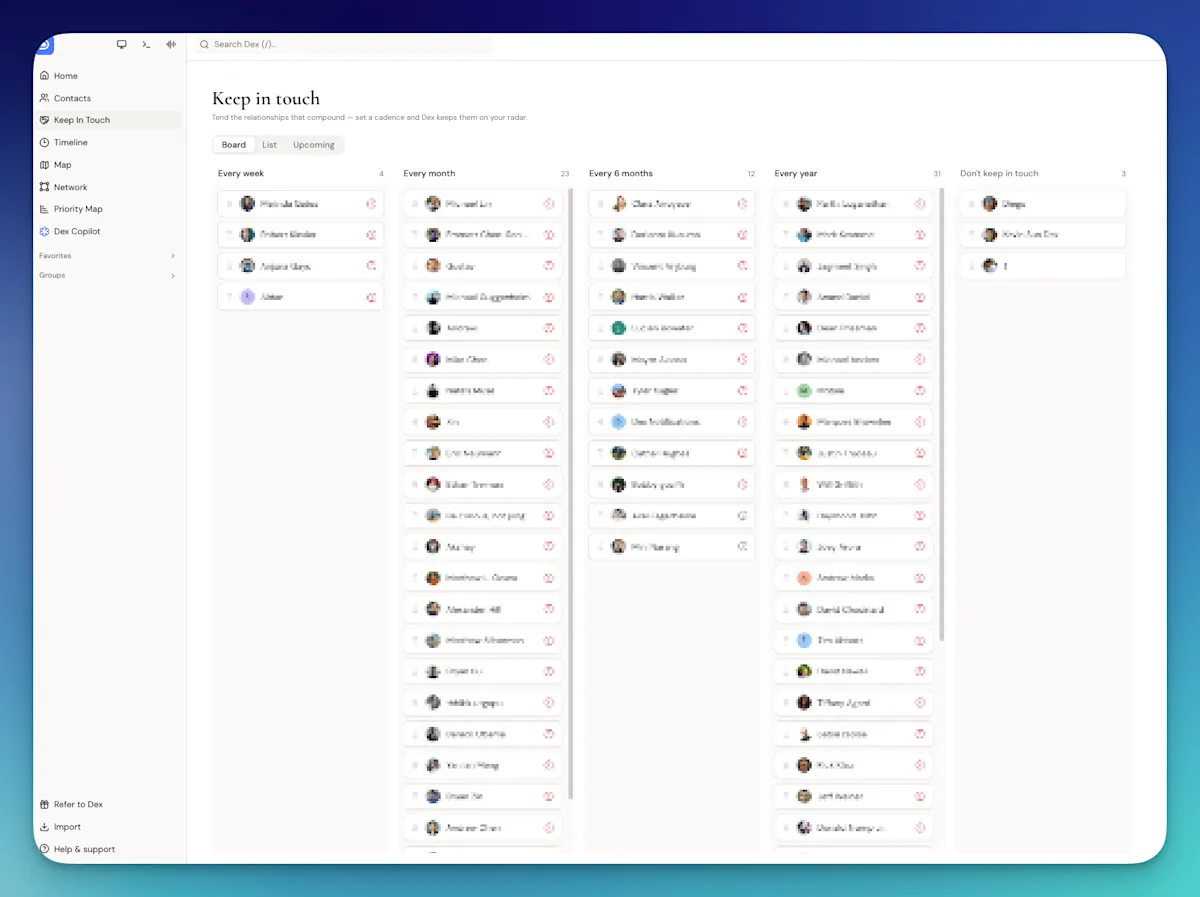
Keep-in-touch is what turns your database into a plan. Give your A-list a 30-day frequency and past clients 90 days, then adjust from there:
A-list: every 30 days
Past clients: every 90 days
Referral partners: every 60 days
Sphere: every 180 days
Set these by group on the Keep-in-Touch page, or by contact. Dex adds the frequency to your last interaction, so a text or a call pushes the next date forward when your messages are synced.
Step 4: Capture details between appointments
Notes are the part of Dex past clients will notice, because they're what let you remember the kitchen renovation.
After a showing, open the mobile app and add a note while it's fresh. Add with voice dictates it and cleans it up, which works well from the driveway. At an open house, the business card scanner creates the contact and keeps a photo of the card. You can scan several cards in a row, and it works offline.
Over time, Conversation Memory does some of this for you. If WhatsApp or iMessage is connected, Dex adds a short note each night about what you discussed. It starts from the day it's on, so it won't summarize old threads.
Step 5: Let Copilot start the message
Ask Dex Copilot: "Who on my A-list haven't I talked to in 30 days?" It answers from your contact and interaction history, then can draft a check-in. You edit the draft and send it yourself.
Other useful prompts:
"Summarize my history with Priya and Dev."
"Who do I know in Maplewood?"
"Draft a home anniversary note to Marcus."
Copilot can't send messages or read full texts. It can tell you the latest message with a contact you name, and Dex keeps only that most recent message.
For market updates, Mail Merge on Professional sends a personalized email to up to 200 contacts from your own Gmail or Outlook. It's email only, and Dex doesn't support bulk texting.
Your 20-minute weekly routine
Pick one quiet block between appointments, then work down this list:
Open your Keep-in-Touch list and choose who's due. Call or text them, or plan a pop-by.
Check Home for reminders, birthdays and home anniversaries.
Look at title changes. A client's new job can mean a move.
Add notes from the week's conversations.
Set one reminder for each conversation that needs a next step.
Before every listing appointment
If the seller is already in Dex, read their timeline first. Ask Copilot to summarize your history, and check the notes for details. If Google Calendar is connected, Dex also emails a pre-meeting brief about 10 minutes before meetings of up to four people. The feature is in beta.
Frequently asked questions
Does Dex replace my real estate CRM?
For lead generation, no. Dex is for the people who already know you. Keep leads in your lead CRM, and move past clients and your sphere into Dex.
Can Dex track my texts with clients?
Yes, with a Mac. iMessage and phone call sync run through the Dex desktop app on a Mac. Dex updates the last interaction and keeps the most recent message for each contact. There's no equivalent for texts on Android.
What does Dex cost for an agent?
Premium is $12 a month billed annually. Professional is $20 a month billed annually and adds Mail Merge, Outlook, voice mode and multiple email accounts. Both start with a 6-day free trial.
How do I remember home anniversaries?
Add a custom field for the closing date and set a recurring yearly reminder on the contact. For ideas on what to send, read our home anniversary ideas for realtors.
Get started
Your next listing will likely come from someone who already knows you. Bring your sphere and past clients into Dex, sort them into groups, set a keep-in-touch frequency, and spend 20 minutes a week on who's due. Start with your last 25 closings.
Start your free 6-day trial of Dex, or see how it works for agents on the Dex for real estate page. A card is required to start the trial, and you won't be charged until it ends.