
LinkedIn Networking Tips: 6 Ways to Build a Network That Writes Back
LinkedIn is good at helping you meet people and bad at helping you remember them. These six tips cover your profile, connection notes, engagement, follow-ups, groups and events, and consistency, plus where Dex fits in: LinkedIn Sync, the Dex browser extension, Keep in Touch reminders, and AI Assist.




Most people have a few hundred LinkedIn connections and could name maybe thirty of them. The rest accepted a request once and never heard from you again. That's a list, not a network.
LinkedIn is great at the first step, finding the right people and getting a foot in the door. It's much worse at everything after. It won't tell you that a former colleague just changed jobs, or remind you that you promised someone an article, or notice that it's been eight months since you talked to your best referral source. That part is the job of a personal CRM for networking, which is why each tip below comes with the piece of Dex that keeps the habit going.
If you're brand new to all this, our beginner's guide to networking is a better place to start.
1. Fix your profile before you send a single request
Every request you send points people back to your profile. If it's stale, the request dies there.
Start with the headline. Say what you do and who you do it for: "Product designer helping fintech teams ship onboarding that converts" tells people far more than "Product Designer at Acme." Then rewrite the About section in the first person, keep it short, and end with what you'd like to talk about, so people have a reason to reply.
Keep your experience and skills current, and ask a couple of colleagues who know your work to endorse the skills that matter most. It's a cheap way to build credibility. Use a clear, recent photo, and swap the default blue banner for something that says a bit about your work.
A quick test: read your profile the way a stranger would. Could they tell in ten seconds why they'd want to know you?
2. Connect on purpose, and write the note
Random requests get ignored. Pick people for a reason. Maybe they work where you want to work, or they're solving a problem you care about, or a friend you trust knows them.
Always add a note if you can. One or two sentences that mention something specific is enough. "Loved your thread on pricing pages, I'm wrestling with the same thing at my startup" gets accepted far more often than a blank request. If you share a connection, name them in the note, or better yet, ask them for an intro. And it helps to follow someone and comment on their posts for a few weeks before you connect, so your name is familiar by the time you ask.
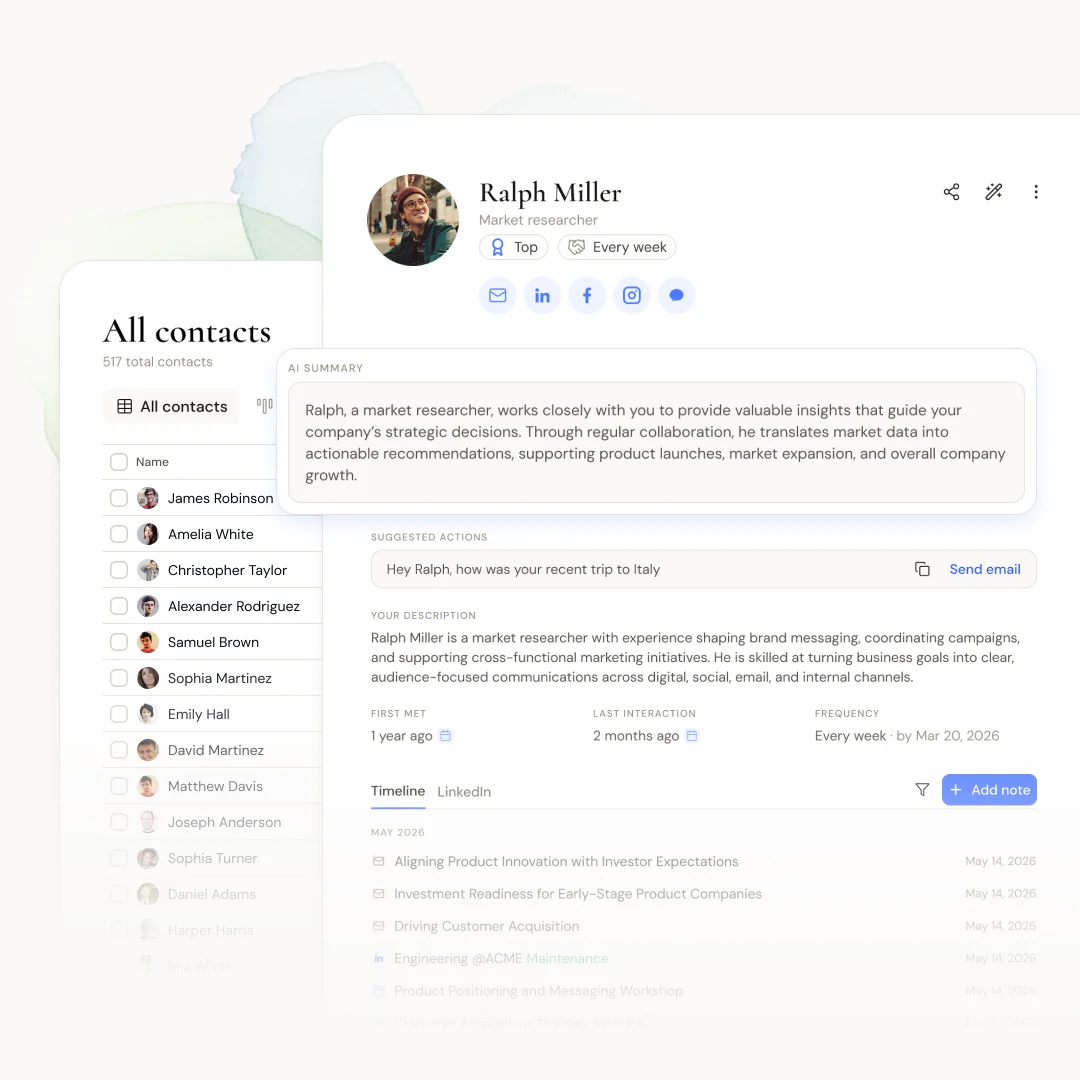
With the Dex browser extension, a Dex button shows up on every LinkedIn profile. One click saves the person to Dex with their name, title, company, education, and an AI summary, so you're not copying anything by hand. Add a line about why you reached out ("met at the SaaStr AI session, wants intros to seed investors") and set a reminder to check back. The context you'd normally forget stays attached to the person.
3. Engage like a person, not a bot
Once someone accepts, the actual work starts. LinkedIn rewards people who show up in other people's feeds with something worth reading.
Comment instead of just liking. A like takes a second and gets forgotten just as fast, while a comment that adds a counterpoint or your own experience gets noticed by the author and by everyone else reading the thread. Post what you know, too. You don't have to be a thought leader. A lesson from a recent project or a mistake you made is plenty.
Job changes, promotions, and work anniversaries are the easiest openings you'll get. A short, specific note ("Congrats on the move to Stripe, the payments team is lucky to have you") does a lot more than the one-tap "Congrats!" button.
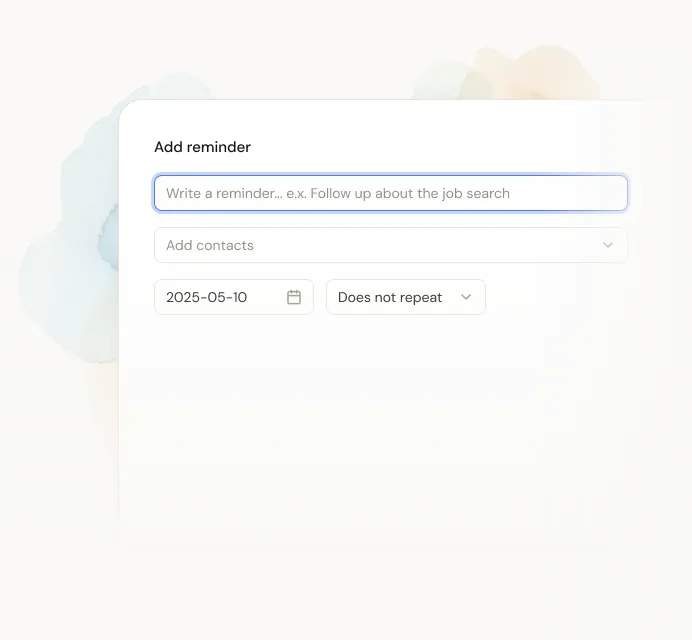
The catch is that you won't see most of those changes. LinkedIn's notifications bury them. Dex's LinkedIn Sync imports your first-degree connections and refreshes them about once a day. When someone's title changes, it shows up on your Today feed and Dex emails you an alert (on by default). For dates LinkedIn doesn't track, like a friend's first day at a new job or a client's launch date, add a reminder.
4. Follow up, then follow up again
Most networking dies between the first conversation and the second. You meet someone on a webinar, swap a few messages, mean to stay in touch, and six months go by.
Follow up within a day or two and mention one specific thing you talked about. If you promised an intro or a link, send it now while you remember. After that, check in every few months with something useful: a job posting they'd like, or an article about a problem they mentioned. "Just checking in" reads like spam. "How did the Series A pitch go?" doesn't.
This is what Dex's Keep in Touch is for. You set how often you want to hear from each person (monthly for close contacts, every six months for looser ones), and Dex works out the next date from your last interaction. LinkedIn Sync logs your latest LinkedIn message as that interaction automatically, so a recent chat pushes the reminder back without you doing anything. When someone comes due, Dex emails you that morning, sends a push notification if you use the mobile app, and lets you open the LinkedIn conversation in one click.
Stuck on what to say? Open the contact and press Shift+A for AI Assist. It suggests conversation starters based on your notes, their professional background, and your calendar and email history. I'd treat the draft as a starting point and rewrite it so it sounds like you. There are more ideas in our post on keeping in touch after an event.
5. Use groups and events to meet people with context
Cold outreach is hard. Meeting someone in a group discussion or at a LinkedIn event is easier, because you already have something to talk about.
Join a few active groups and skip the ones that are all self-promotion. Answer questions when you actually know the answer. At LinkedIn events and live sessions, ask a question in the chat, then connect with the speaker or other attendees afterward and mention the session in your note. If someone from a virtual event lives nearby, suggest coffee. In-person time still builds trust faster than anything online, which we get into in why offline networking matters.
In Dex, put everyone you meet through a group or event into a Dex group, like "Product Led Summit 2026" or "Climate founders." A year later, when you're hiring or need advice, you can pull up the whole group instead of scrolling your connections trying to place a face. For people you meet in person, the Card Scanner turns a business card into a contact from your phone, so they end up in the same place as your LinkedIn contacts.
6. Be consistent, and be patient
Networking pays off slowly. The person you help today might refer you for a job three years from now.
Pick a rhythm you can keep. Fifteen minutes three times a week beats a two-hour burst once a quarter: check your feed, leave a couple of real comments, send one or two check-ins. Give more than you ask for. Make the intro, share the opening, answer the question. People remember who helped them when they didn't have to. And don't keep score. Some relationships stay quiet for years and then matter a lot, and plenty never turn into anything. That's normal.
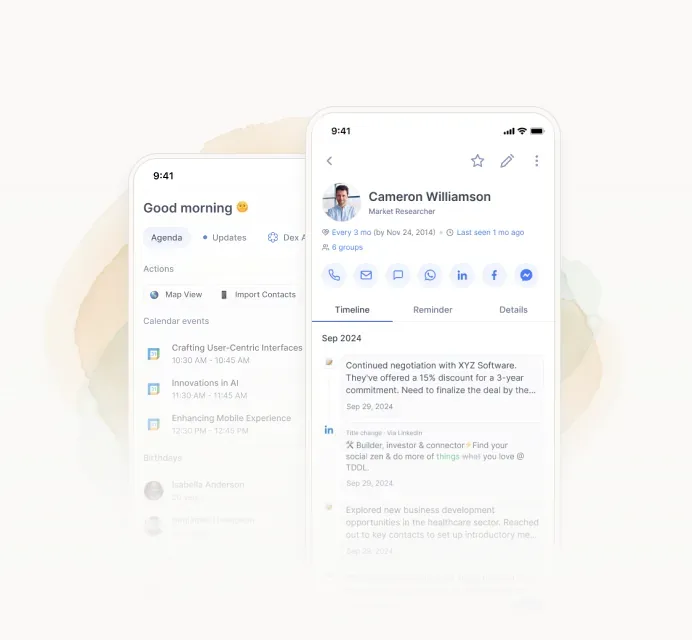
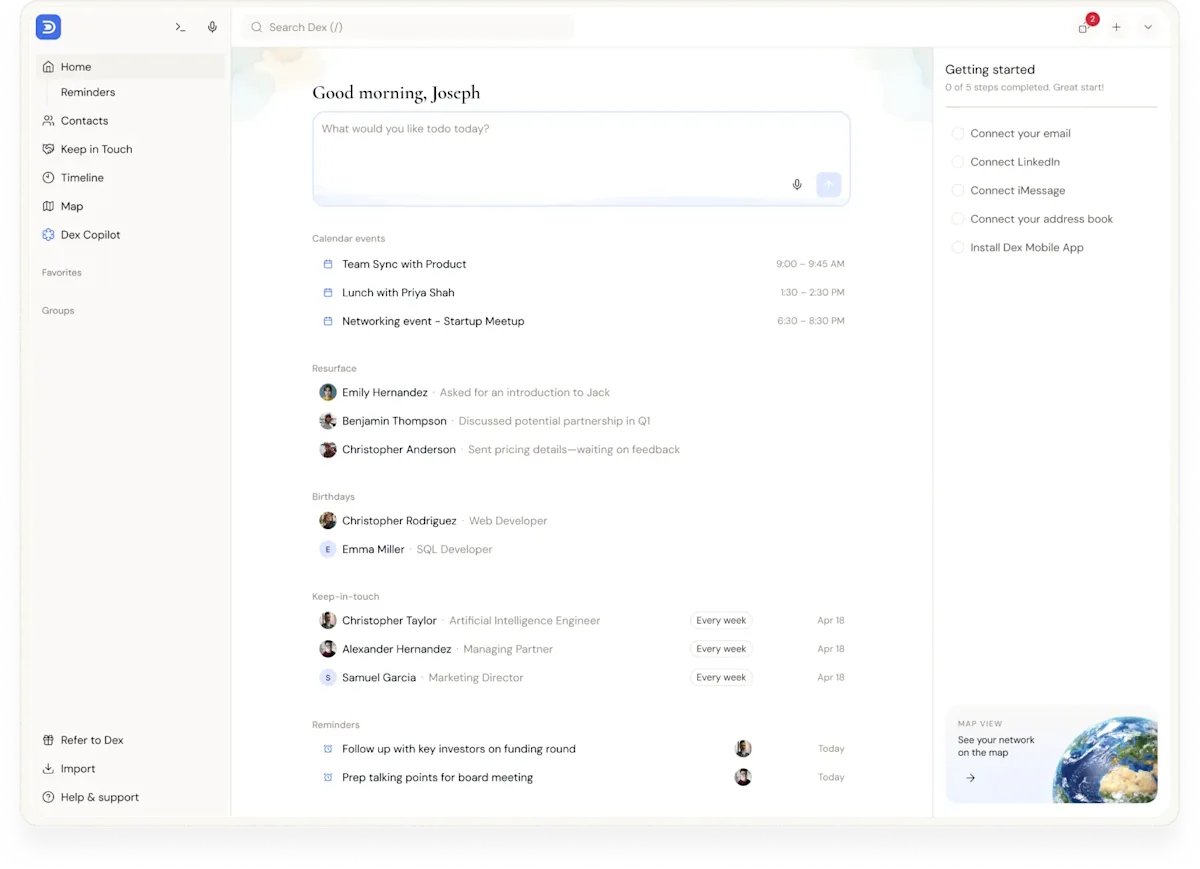
Dex's Today screen puts your reminders, birthdays, and Keep in Touch check-ins in one list, so those fifteen minutes start with a short list of people to reach out to instead of an endless feed. If you'd rather ask than scroll, Dex Copilot answers questions about your network, like "who do I know at Figma?" or "who should I catch up with this month?"
LinkedIn alone vs. LinkedIn with Dex
Task | LinkedIn alone | With Dex |
|---|---|---|
Remember why you connected | Scroll back through old messages | Notes and an AI summary on the contact |
Spot job changes | Only if it shows up in your feed | Today feed entry plus an email alert |
Know who you've neglected | No way to tell | Keep in Touch reminders based on your last interaction |
Track people from an event | Search your connections by name | A Dex group you can pull up any time |
Combine with email, calendar, and in-person contacts | Not possible | One contact record across sources |
Who this isn't for
If you run outbound sales and need sequences, pipelines, and deal stages, you want a sales CRM, not Dex. Dex is built for people who manage relationships one at a time: job seekers, founders, investors, consultants, and anyone whose next opportunity will probably come from someone they already know. Our guide to networking CRMs covers that category in more depth.
Frequently asked questions
How many LinkedIn connections can Dex sync?
Premium syncs up to 2,500 LinkedIn connections and Professional syncs up to 9,000. If you hit the cap, Dex keeps refreshing the contacts you already have but stops adding new ones. Nothing gets deleted.
Does Dex need my LinkedIn password?
No. You connect LinkedIn from the Dex mobile or desktop app, and Dex doesn't store your password. Dex also doesn't view LinkedIn profiles on your behalf, so it won't eat into LinkedIn's profile viewing limits.
Should I always send a note with a LinkedIn connection request?
When you can, yes. One specific sentence about why you're reaching out makes an accept more likely, and it gives you an easy opening to follow up later.
How often should I follow up with LinkedIn connections?
It depends on the relationship. Close contacts every month or two, useful professional contacts every three to six months, and looser ties once or twice a year. Dex's Keep in Touch lets you set a different interval for each person.
Can Dex tell me when a LinkedIn connection changes jobs?
Yes. With LinkedIn Sync on, title changes show up on your Today feed and Dex emails you an alert by default. You can turn the emails off in notification settings.
Turn connections into relationships
LinkedIn gets you in the room. Whether a connection turns into anything depends on what you do afterward, and mostly that means following up long after most people would have stopped.
Dex handles the part LinkedIn won't: remembering who people are and telling you when it's time to reach out. Plans start at $12 a month billed annually, and Premium and Professional come with a 6-day free trial (you'll need a credit card to start it, and you can cancel before you're charged). Get started with Dex and connect your LinkedIn.