
Bring who you know to your AI assistant
Dex runs a hosted MCP server. Point your client at it once and your assistant gains eleven tools on your network: search and enrich contacts, log meetings, set reminders, organize tags and groups — no exports, no local install, no second contact list.
30,000+ people use Dex to improve relationships
Dex has become the most important tool I’ve used in my professional career. By connecting the API to Claude, I have been able to comprehensively enrich every contact in my database (and keep them fresh) and actually operationalize my contacts in ways I couldn’t before. It’s an extension of my brain, delivering enormous value to my clients and prospects because I can draw out potential introductions and automate prospect outreach and follow-ups.

Aaron Endré
Founder & Principal, endré
Supported AI clients

Claude
Install the Dex connector from the Claude directory and sign in with your Dex account.


'/%3e%3cdefs%3e%3clinearGradient%20id='g'%20x1='19.6665'%20y1='11'%20x2='19.6665'%20y2='29'%20gradientUnits='userSpaceOnUse'%3e%3cstop%20stop-color='%2396B3FF'/%3e%3cstop%20offset='1'%20stop-color='%23456EE8'/%3e%3c/linearGradient%3e%3c/defs%3e%3c/svg%3e)

Any other client
Cursor, VS Code, Gemini CLI, Zed — point any MCP-compatible client at the hosted server.
Every field on the record, readable and writeable
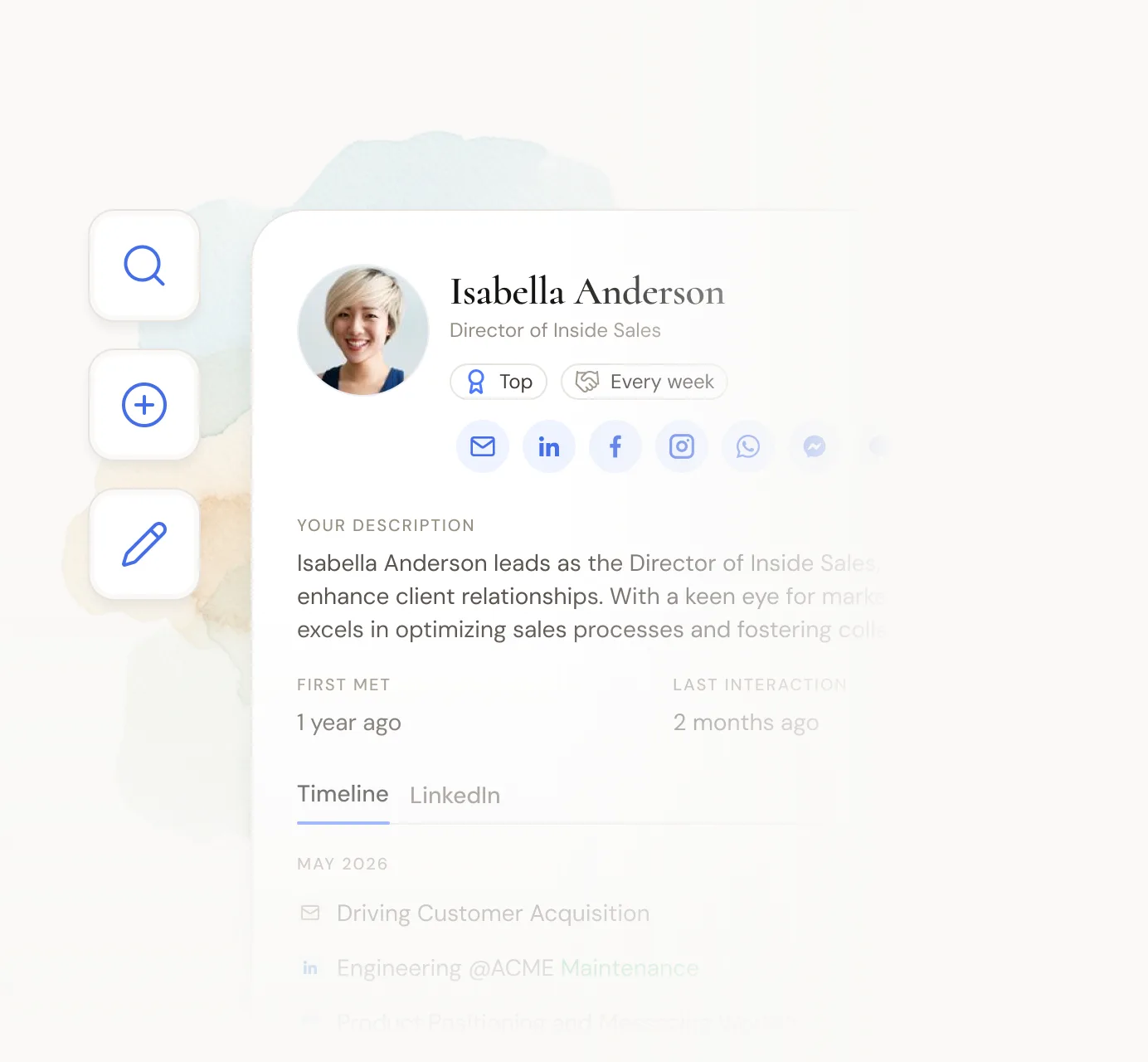
Search, create, update, and merge contacts. Manage tags, groups, notes, reminders, and custom fields. Your assistant operates on the same records you see in Dex — no export, no sync job, no second copy to reconcile.

Connect your network
to your AI assistant
Give Claude, ChatGPT, Cursor, and your favorite AI tools access to your network in just a few minutes.
Get started for free30,000+ people use Dex to improve relationships