
Covve Review 2026: Is This Personal CRM For You?

You keep hearing about Covve whenever someone asks for a personal CRM that works from your phone. It's won awards, it shows up in every "personal CRM" list, and the business card scanner alone has a cult following.
But we wanted to know what it's actually like to use daily. We tried Covve and came back with a clear picture. This Covve review covers what held up, what didn't, and whether you should pay for it.
What Covve is (and who it's for)
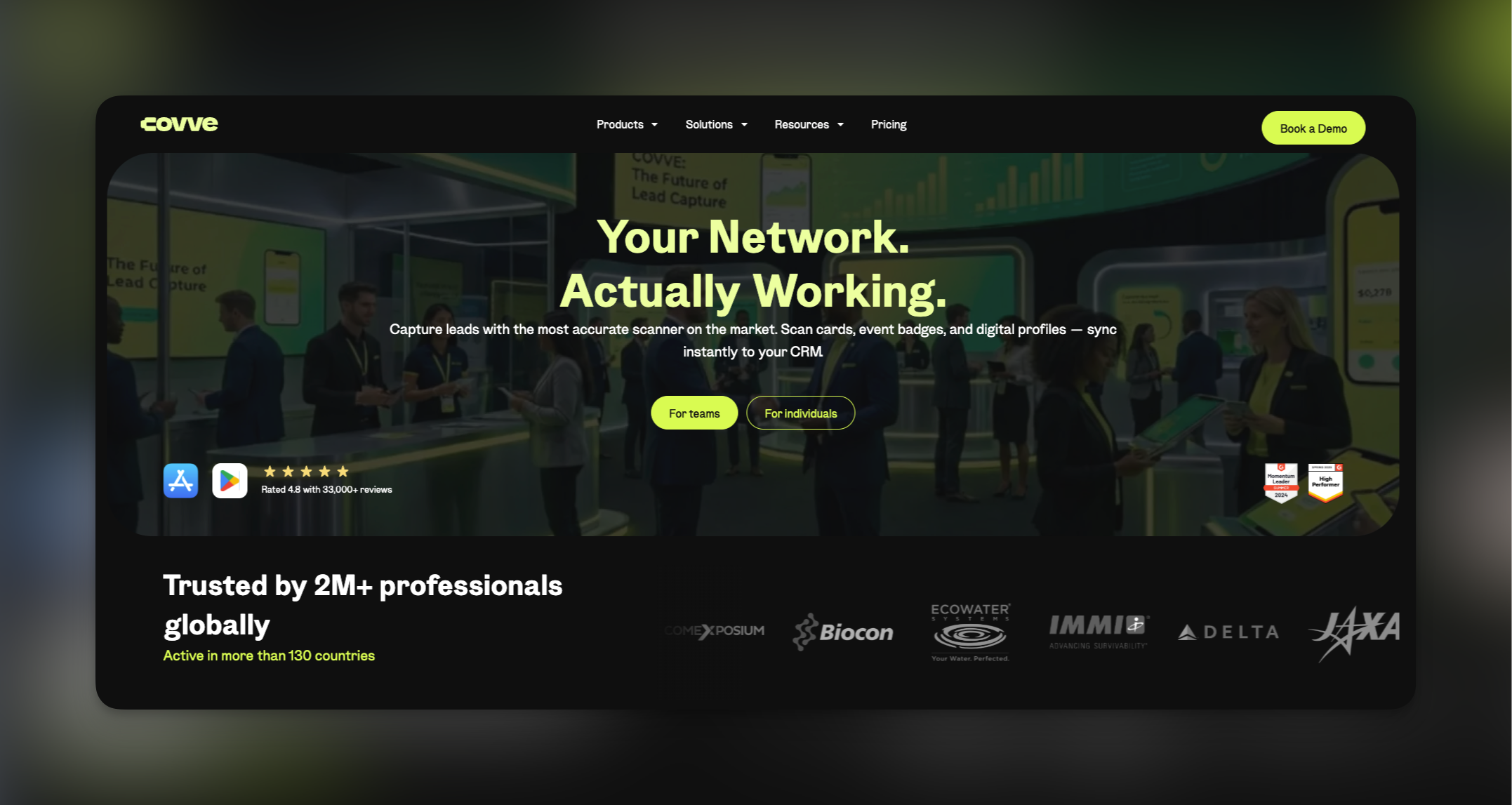
Covve is a mobile-only personal CRM for iOS and Android. It syncs with your phone contacts and adds relationship management on top: follow-up reminders, a news engine that surfaces stories about your contacts, interaction logs, and a business card scanner that remains one of the fastest we've tested.The target user is an individual professional who networks through in-person events. If you're looking at the best personal CRMs for networking, realtors managing long buying cycles, consultants keeping relationships warm between engagements, founders building strategic networks. Covve is designed with those use cases in mind. If you need shared pipelines or team features, this isn't the right tool. Covve is one person, one network.

Covve review: what works
The interface: Clean and fast. You sync your contacts and you're in, no setup wizard, no forced tutorial. Reviewers consistently call the design intuitive, and that matched our experience.
The news engine: This is Covve's most distinctive feature. It scans news sources and surfaces stories relevant to your contacts based on their company, location, or interests. You get a natural reason to reach out without the "just checking in" awkwardness. Most tools that attempt this feel noisy. Covve's version is targeted enough to be useful.
The card scanner: Fast transcription, accurate results, edit-on-the-spot before saving. If you come back from a conference with a stack of cards, this feature alone saves a meaningful chunk of time.

The digital business card: Create a shareable card and send it via SMS, email, or a home screen widget. If you haven't carried a physical card in years, this feels right.The reminders: Covve tracks when you last interacted with each contact and nudges you when it's time to reconnect. You set the cadence (weekly, monthly, quarterly) and it handles scheduling. The reminders don't flood you, which matters. Consistent follow-up is the thing that falls apart without a system, and this covers it.

Where this Covve review gets critical
No desktop app: This is the biggest friction point. There is no web app, no desktop client. If you work from a laptop most of the day, you're reaching for your phone every time you need to log something. For a deeper look at which tools offer strong personal CRM apps with mobile support alongside a full desktop experience, it's worth comparing the field before committing.
The AI assistant lives in your email: Covve markets an AI assistant, but it's not an in-app chat. You email it. For a product that positions itself as AI-powered, routing the AI through email feels like a workaround, not a feature.
No LinkedIn integration: If your network lives primarily in LinkedIn, this is a real gap. Covve doesn't connect to LinkedIn at all, so that relationship data stays completely separate. If staying active on LinkedIn is part of your networking strategy, these LinkedIn networking tips can help, but you'll be managing that layer entirely outside of Covve.
Indirect contact importing: You can't import directly into Covve. You import into a synced address book (Google Contacts, iCloud, Outlook, or Office 365) and Covve pulls from there. It works, but it adds a step most people don't expect.
The free plan caps at 20 contacts: That's not enough to evaluate the product. Most users hit that wall within an hour and have to decide whether to upgrade before they've had a real chance to assess it.
How much does Covve cost?
| Plan | Price | What You Get |
|---|---|---|
| Free | $0/month | 20 contacts, basic features |
| Pro | $12.99/month | Unlimited contacts, unlimited card scans, multiple digital business cards, daily backups, contact export |
| Pro (annual) | $9.99/month | Everything in Pro, billed yearly |
How Covve compares to other Personal CRMs
If Covve's mobile-only limitation or missing LinkedIn sync is a dealbreaker, there are solid alternatives worth looking at. Our Top 10 Personal CRMs for Networking in 2026 covers the full field, including tools with web apps, native LinkedIn sync, and built-in email integration.
Our final thoughts on Covve
Covve does a handful of things well. The interface is polished, the card scanner is fast, the news engine is smarter than most competitors' versions, and the reminders actually work without becoming noise. If you're a mobile-first professional who networks heavily through in-person events, this Covve review comes out in its favor, but with conditions.
Those conditions: no desktop app, no LinkedIn integration, an AI assistant that lives in email, indirect contact importing, and a free plan too limited to properly evaluate the product. That's a real set of trade-offs for anyone who works across devices or relies on LinkedIn.
Worth trying if the use case fits. Just know the walls before you hit them.
Want a cross-platform alternative with LinkedIn sync built in? Try Dex free and see how it handles the gaps Covve leaves open.
Frequently asked questions
Is Covve free?
There's a free plan, but it caps at 20 contacts. Covve Pro costs $12.99/month or $9.99/month billed annually for unlimited contacts and full features.
Does Covve have a desktop app?
No. Covve is mobile only, for iOS and Android. No web app or desktop client.
Does Covve integrate with LinkedIn?
No. Your LinkedIn network stays completely separate from Covve.